
GPT Image 2.5 Sunburst API
Generate highly detailed images that follow complex prompts closely. Slower than other image models; suited to final creative and product imagery.
GPT Image 2.5 Sunburst modes
OpenAI · gpt-image-2.5-sunburst
Text to image
Generate highly detailed images that follow complex prompts closely. Slower than other image models; suited to final creative and product imagery.
Put a prompt and "model": "gpt-image-2.5-sunburst" on an image clip, and the render generates it and edits it into the video. To generate it on its own, send the same asset to the generate endpoint.
Built forFinal creative and product imagery · Prompts with lots of detail · Hero images
Technical specifications
| Input | Text prompt |
|---|---|
| Output | Image |
| Resolution | 1K, 2K, 4K |
| Aspect ratios | 21:9, 16:9, 3:2, 4:3, 5:4, 1:1, 4:5, 3:4, 2:3, 9:16 |
{
  "asset": {
    "type": "image",
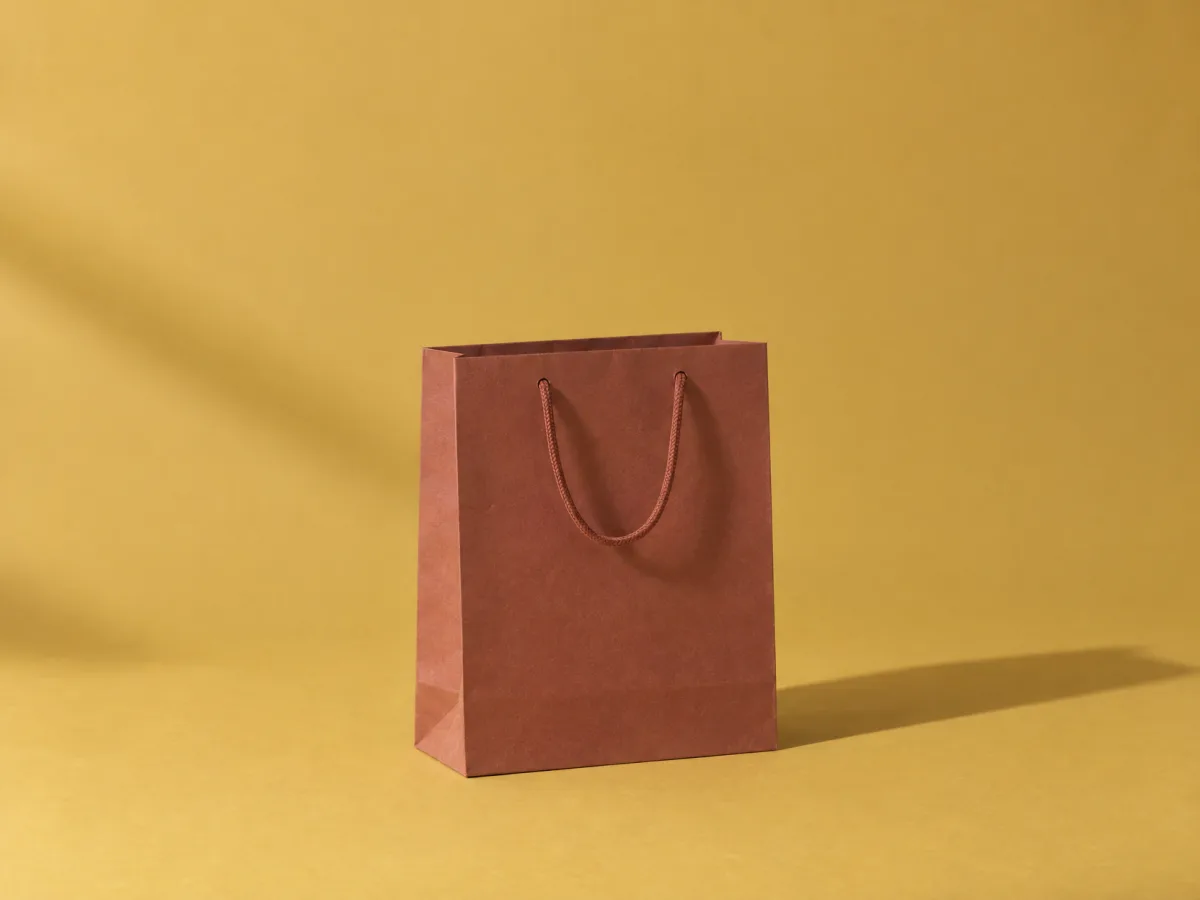
    "prompt": "A plain paper shopping bag on a mustard-yellow backdrop, in hard morning light",
    "model": "gpt-image-2.5-sunburst",
    "options": {
      "aspectRatio": "4:3"
    }
  },
  "length": 5
}OpenAI · gpt-image-2.5-sunburst-edit
Image to image
Edit images with precise instructions and up to 16 ordered references. Describe what to change and what to preserve.
Put a prompt and "model": "gpt-image-2.5-sunburst-edit" on an image clip, and the render generates it and edits it into the video. To generate it on its own, send the same asset to the generate endpoint.
Built forPrecise edits · Product variations · Composites from several images
Technical specifications
| Input | Text prompt and up to 16 reference images |
|---|---|
| Output | Image |
| Resolution | 1K, 2K, 4K |
| Aspect ratios | 21:9, 16:9, 3:2, 4:3, 5:4, 1:1, 4:5, 3:4, 2:3, 9:16 |
{
  "asset": {
    "type": "image",
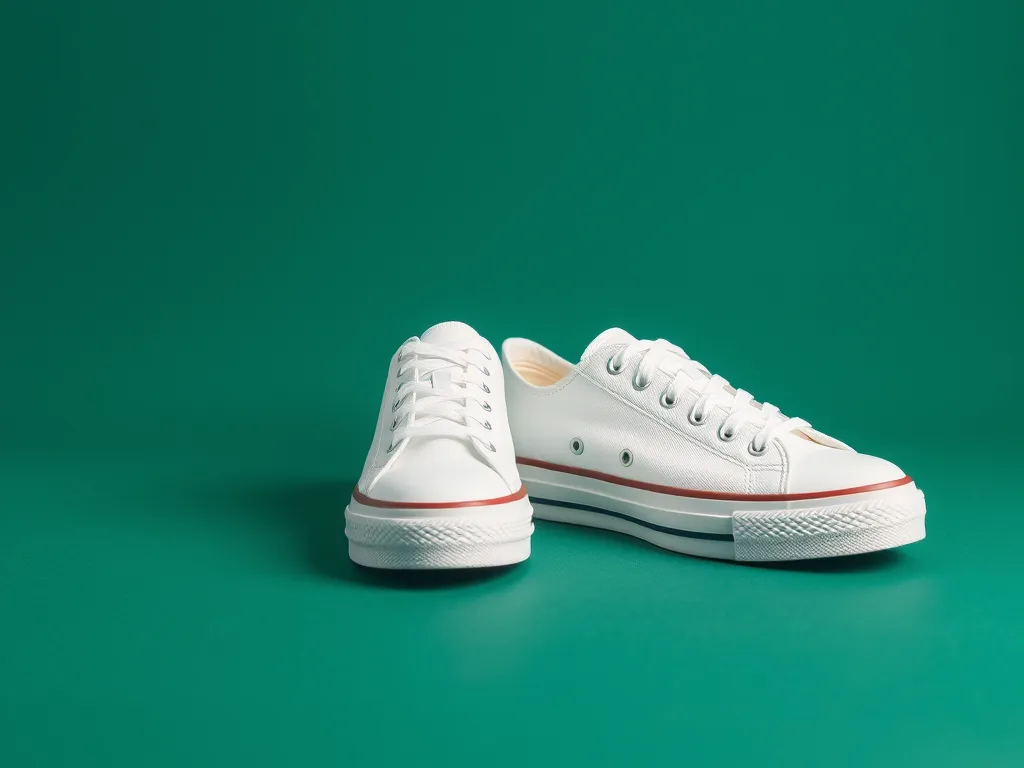
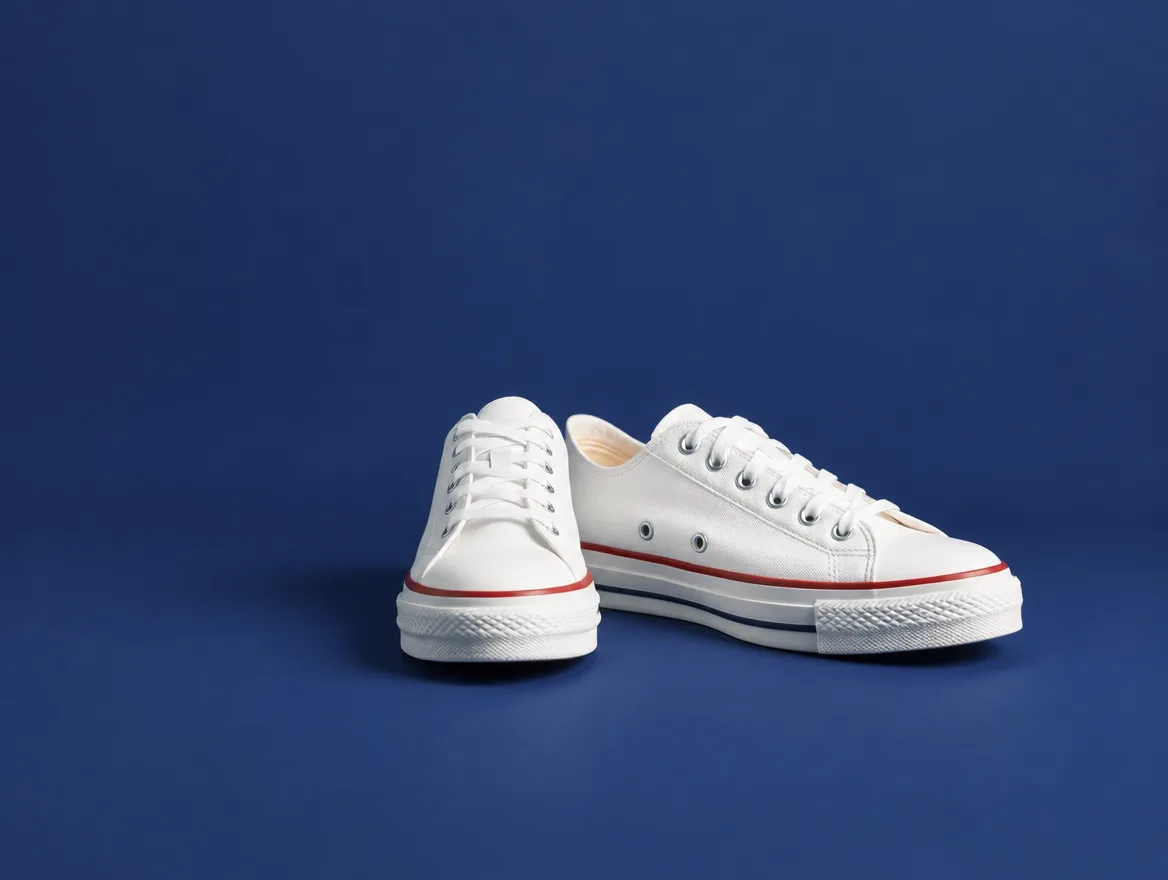
    "prompt": "Change the backdrop to navy and keep the sneakers the same",
    "model": "gpt-image-2.5-sunburst-edit",
    "options": {
      "imageUrls": [
        "https://cdn.shotstack.io/au/v1/generations/35tqpmb0ya/fc6813ec-8ac6-5f87-9f80-c13e5f299bf4.png"
      ],
      "aspectRatio": "4:3",
      "resolution": "1K"
    }
  },
  "length": 5
}Pricing
Generation is paid in credits from the same balance as rendering, at what the model's provider charges plus a small margin. See AI generation pricing.
| Mode | Charged per | Price changes with | Length a quote assumes without one |
|---|---|---|---|
| Text to image | Image | Resolution: 1K (default), 2K, 4K | — |
| Image to image | Image, plus each reference image | Resolution: 1K (default), 2K, 4K | — |
Get a quote
POST /generate/quote takes the same body as the generate endpoint and returns what that generation would cost. Nothing is generated, reserved or charged.
curl -X POST \
     -H "Content-Type: application/json" \
     -H "x-api-key: $SHOTSTACK_API_KEY" \
     -d '{
       "asset": {
         "type": "image",
         "prompt": "A plain paper shopping bag on a mustard-yellow backdrop, in hard morning light",
         "model": "gpt-image-2.5-sunburst",
         "options": {
           "aspectRatio": "4:3"
         }
       },
       "length": 5
     }' \
     https://api.shotstack.io/edit/stage/generate/quote
The response gives credits, the price of that request, and ceiling, which is true when the request has no length for a model charged by length, so the price is an estimate. Prices follow the providers, so ask again rather than storing one.
How it compares
GPT Image 2.5 Sunburst beside the other models in Shotstack that make the same thing.
| Model | Best for | Modes | Max resolution | Aspect ratios | Reference images | Seed | Charged per |
|---|---|---|---|---|---|---|---|
| GPT Image 2.5 Sunburst | Highly detailed images that follow complex prompts; slower | Text to image, Image to image | 4K | 10 | Up to 16 | — | Image |
| Nano Banana 2 | Fast iteration, accurate text, product and campaign visuals | Text to image, Image to image | 4K | 14 | Up to 14 | Yes | Image |
| Nano Banana Pro | Complex compositions and precise typography, over speed | Text to image | 4K | 10 | — | Yes | Image |
| FLUX Schnell | Quick, low-cost drafts and illustrations | Text to image | — | — | — | — | Image, fixed price |