
Studio templates · Memories
Holiday Recap Video Story Template for Promos
A professionally designed memories template.
No account needed until you render.
What you can change
- VIDEO_1
- https://templates.shotstack.io/holiday-recap-video-story-promo-template/4245fdfe-7240-463d-b9df-5e7860cf54bc/source.mp4
- VIDEO_2
- https://templates.shotstack.io/holiday-recap-video-story-promo-template/35724443-8285-405b-892a-f16a3329e9a8/source.mp4
- VIDEO_3
- https://templates.shotstack.io/holiday-recap-video-story-promo-template/e6cc8fc3-f673-4d7f-af62-93e07f346cc0/source.mp4
- Title
- HOLIDAY RECAP
- AUDIO
- https://templates.shotstack.io/holiday-recap-video-story-promo-template/3865ef2d-7057-49fd-bfdb-06a13a0a87f0/source.mp3
Output
- Format
- MP4
- Size
- 1080 × 1920
- Length
- 10.2 s
- Frame rate
- 25 fps
Make one for every post
Loop over your content calendar and keep the feed full without an editor. Give your AI agent the prompt, or run the script against a CSV.
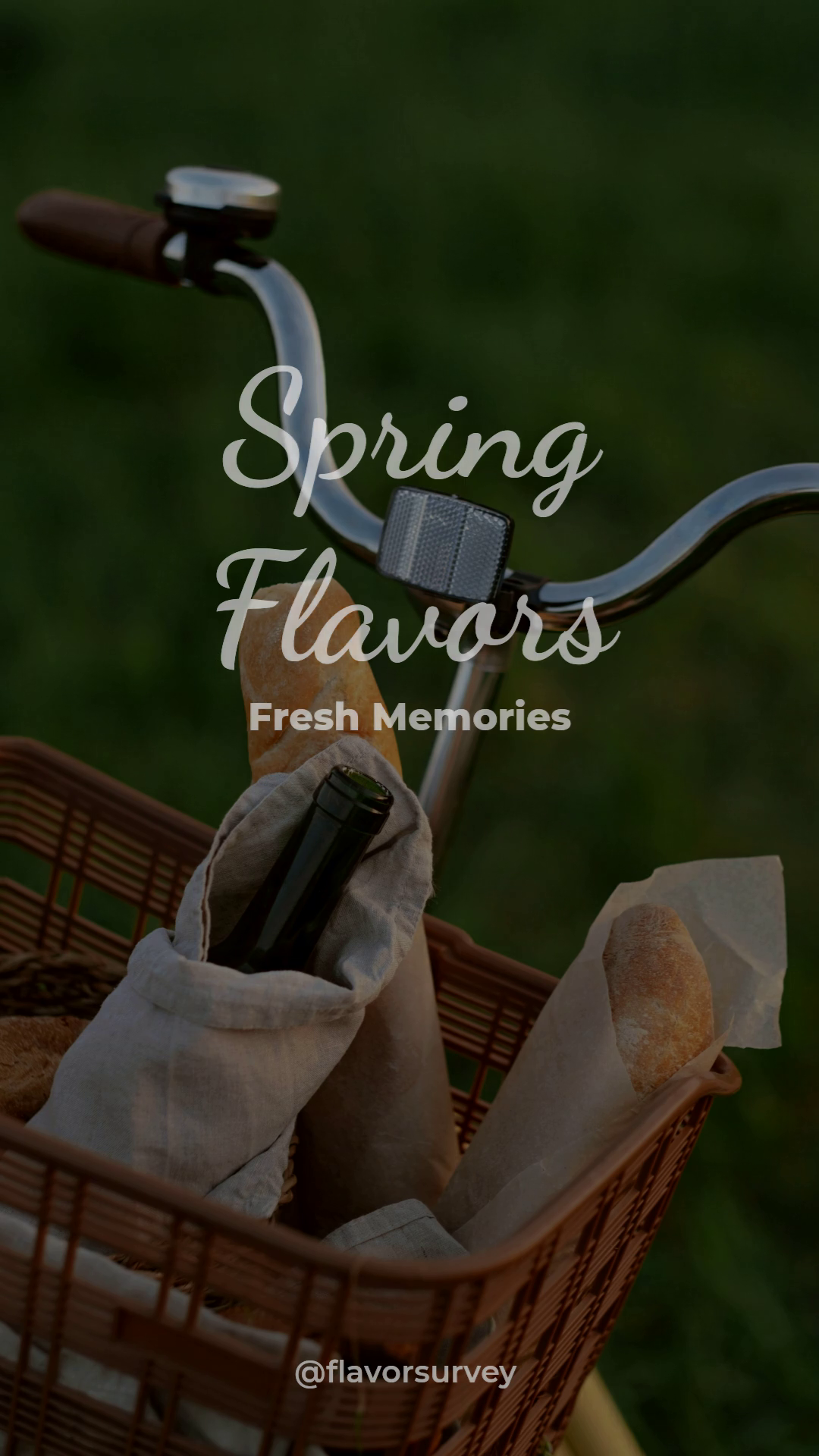
Capture the vibrant, carefree energy of a great holiday and channel it into your marketing. Our Holiday Adventure Recap Story Template lets you showcase your promotions through the lens of an exciting travel vlog or a cherished memory reel. The authentic camcorder interface gives your content a raw, personal feel that cuts through the noise and connects with viewers instantly. This template is designed for storytelling. Use it to create a fast-paced recap of your biggest holiday sale, announce a special seasonal offer, or feature your products in a real-world, adventurous setting. It’s perfect for brands that want to evoke feelings of freedom, joy, and discovery. Effortlessly easy to use, you can drop in your video clips and customize the text to create a professional-looking promo in minutes. Stop just announcing sales, start sharing experiences. This template helps you build a genuine connection that turns followers into loyal customers.


Common questions
How do I change the text and media without editing the JSON?
Use the 5 merge fields listed above. Send a merge array with your own values for each field and the API swaps them in at render time, so one template can produce thousands of unique videos.
Is this template made for TikTok, Reels and Shorts?
Yes. It renders vertical 1080×1920 (9:16), the format those platforms expect. Change output.size or output.aspectRatio in the JSON if you also need a square or landscape cut.
Can I swap the footage for my own video?
Yes. Replace the video asset's src with a public URL of your file (MP4 works best). Use trim and length on the clip to pick the part you want, and the template's effects apply to your footage.
How do I change the text and fonts?
Edit the text on each text asset in the JSON. Fonts come from the timeline fonts list or the asset's font family; add your own font file URL to timeline.fonts to use a brand typeface.