
Studio templates · Listings & Classifieds
Property Highlight & Marketing Video Template for Agents
A professionally designed listings & classifieds template.
No account needed until you render.
What you can change
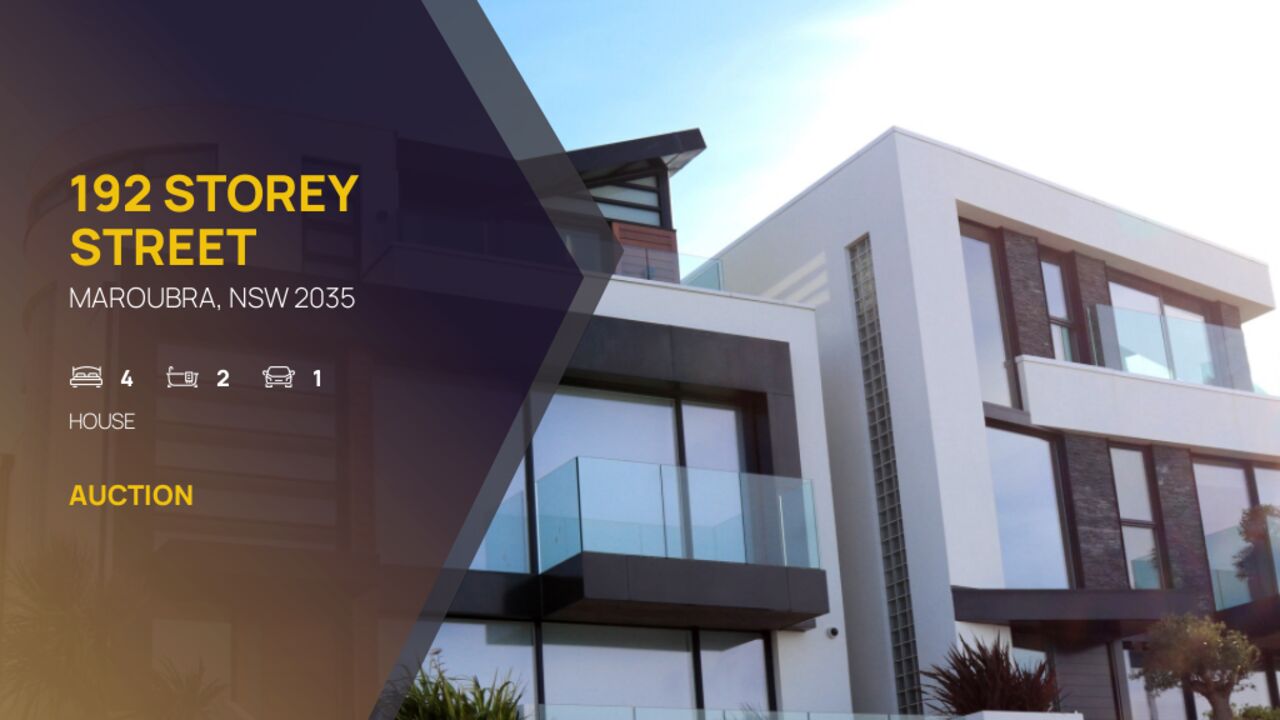
- ADDRESS
- 192 Summers Lane
- HEADLINE_2
- Open plan living
- HEADLINE_3
- 3 bedroom, 2 bathroom, 2 carspaces
- HEADLINE_3A
- 8th floor
- HEADLINE_3B
- city views
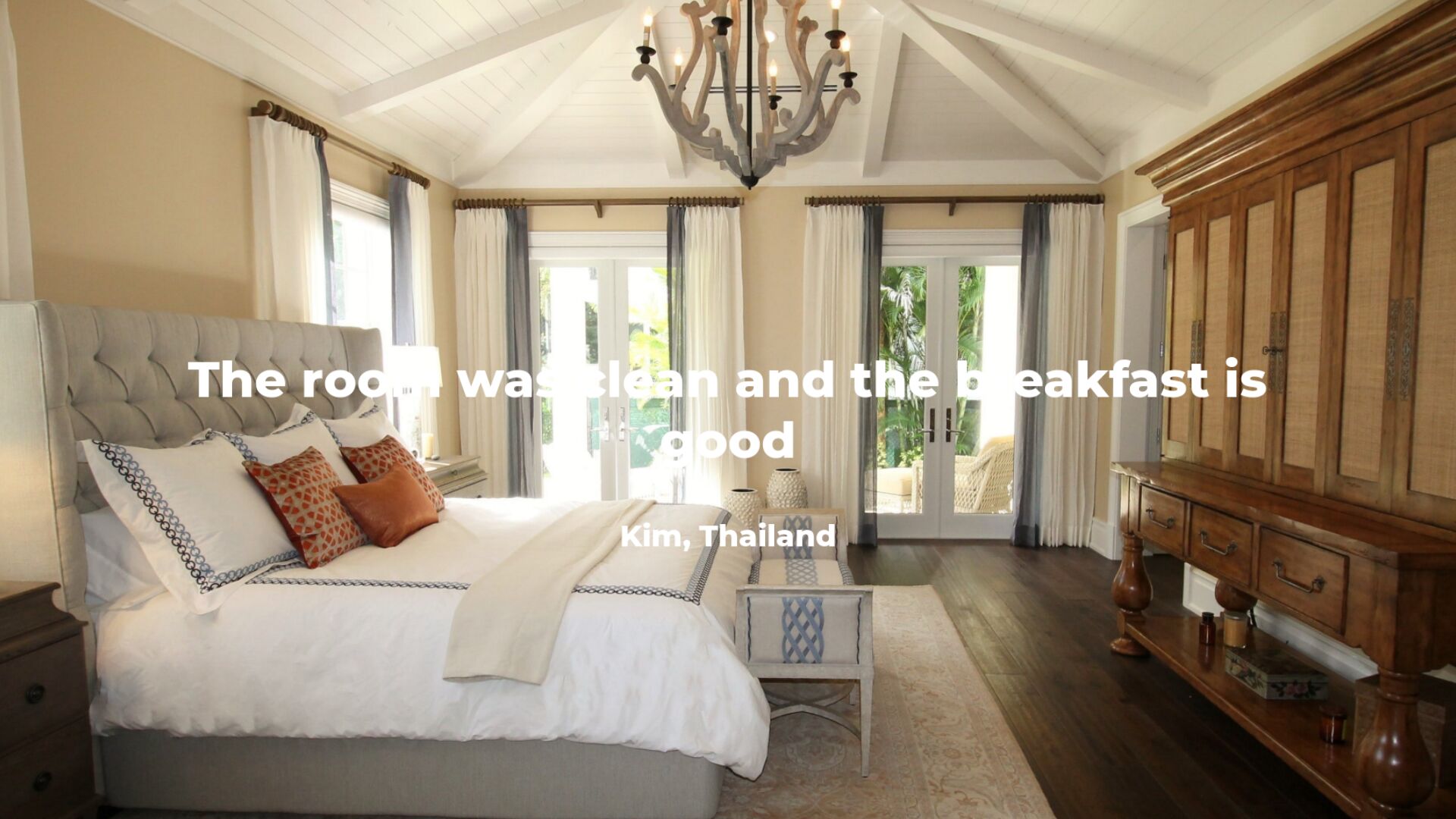
- IMAGE_1
- https://templates.shotstack.io/real-estate-listing-2/d31e4e27-62b7-423e-874a-8af1bc328539/source.jpg
- IMAGE_2
- https://templates.shotstack.io/real-estate-listing-2/6c2f366a-194f-4edb-8f73-7cb43d8f5f9a/source.jpg
- IMAGE_3
- https://templates.shotstack.io/real-estate-listing-2/1374660a-b330-42ce-9e10-726ec0e71f9a/source.jpg
- MAIN_IMAGE
- https://templates.shotstack.io/real-estate-listing-2/1d956bfa-7184-4715-8add-065898fc29c7/source.jpg
Output
- Format
- MP4
- Size
- 1024 × 576
- Length
- 29.3 s
- Frame rate
- 25 fps
Make one for every listing
Feed it your listings and every property gets its own video the moment it hits the market — no editor in the loop. Give your AI agent the prompt, or run the script against a CSV.
Profile and highlight your real estate agencies properties with this contemporary video template. The dynamic template includes placeholders for property photos and details, allowing you to create hundreds of unique videos for each of your real estate agencies properties. Just add your own real estate details and upload your logo and the template is ready to go.

Common questions
How do I change the text and media without editing the JSON?
Use the 9 merge fields listed above. Send a merge array with your own values for each field and the API swaps them in at render time, so one template can produce thousands of unique videos.
Can I render this in full HD or 4K for YouTube?
Yes. This template renders 1024×576 by default. Set output.resolution to "1080" or output.size to a larger 16:9 size in the JSON; the layout scales with it.
Can I use my own photos?
Yes. The template uses 10 images; replace each image asset's src with a public URL of your own file (JPG, PNG or WebP). Keep the timing and effects, or adjust them per clip.
How do I change the text and fonts?
Edit the text on each text asset in the JSON. Fonts come from the timeline fonts list or the asset's font family; add your own font file URL to timeline.fonts to use a brand typeface.