SVG
The SVG asset lets you add scalable vector graphics to your videos using raw SVG markup. Unlike the shape asset which is limited to basic rectangles, circles, and lines, the SVG asset supports complex paths, polygons, and custom shapes defined using standard SVG 2 markup.
Common SVG patterns
Before diving into individual properties, here are solutions to common SVG needs:
Circle with fill color
Create a simple filled circle:

{
    "timeline": {
        "background": "#1a1a2e",
        "tracks": [
            {
                "clips": [
                    {
                        "asset": {
                            "type": "svg",
                            "src": "<svg xmlns=\"http://www.w3.org/2000/svg\" viewBox=\"0 0 1280 720\" width=\"1280\" height=\"720\"><circle cx=\"640\" cy=\"360\" r=\"80\" fill=\"#e74c3c\"/></svg>"
                        },
                        "start": 0,
                        "length": 5
                    }
                ]
            }
        ]
    },
    "output": {
        "format": "mp4",
        "size": {
            "width": 1280,
            "height": 720
        }
    }
}
Rectangle with stroke
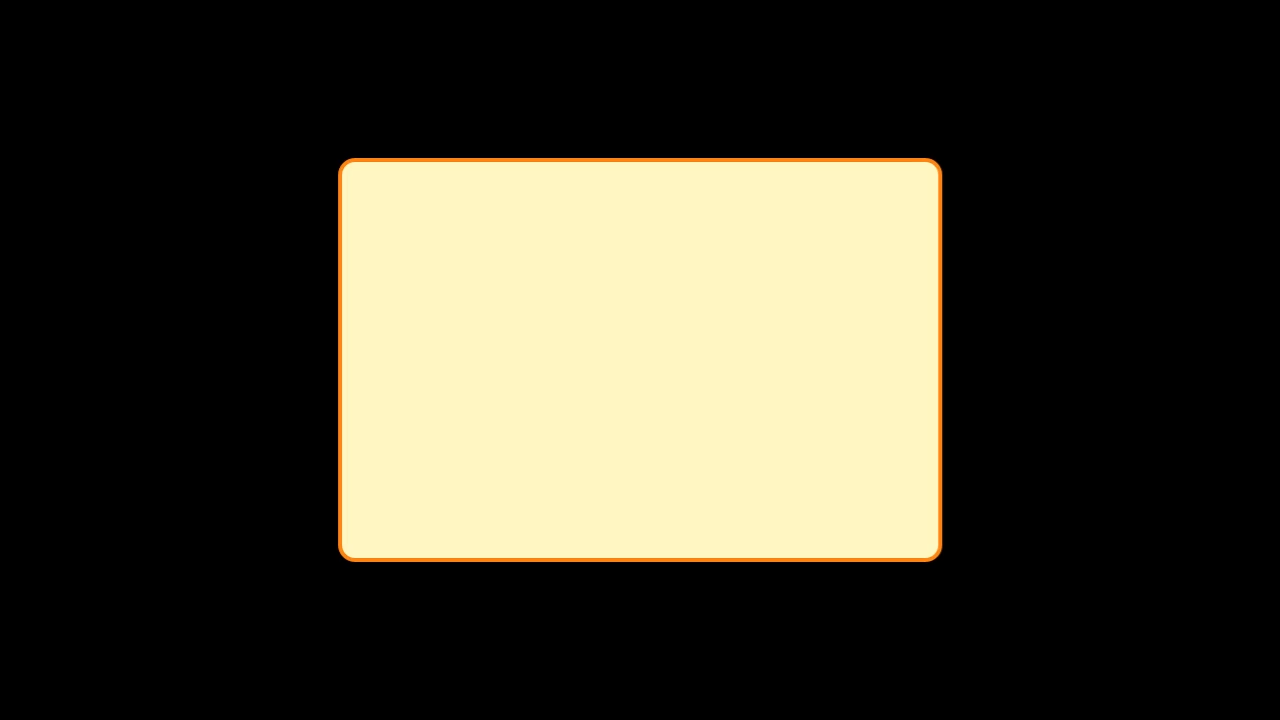
Create a rectangle with a colored border and fill:
{
    "timeline": {
        "background": "#000000",
        "tracks": [
            {
                "clips": [
                    {
                        "asset": {
                            "type": "svg",
                            "src": "<svg xmlns=\"http://www.w3.org/2000/svg\" viewBox=\"0 0 1280 720\" width=\"1280\" height=\"720\"><rect x=\"340\" y=\"160\" width=\"600\" height=\"400\" rx=\"15\" fill=\"#FFF9C4\" stroke=\"#F57F17\" stroke-width=\"4\"/></svg>"
                        },
                        "start": 0,
                        "length": 5
                    }
                ]
            }
        ]
    },
    "output": {
        "format": "mp4",
        "size": {
            "width": 1280,
            "height": 720
        }
    }
}
Path-based custom shape
Create a custom star shape using a path:

{
    "timeline": {
        "background": "#1a1a2e",
        "tracks": [
            {
                "clips": [
                    {
                        "asset": {
                            "type": "svg",
                            "src": "<svg xmlns=\"http://www.w3.org/2000/svg\" viewBox=\"0 0 1280 720\" width=\"1280\" height=\"720\"><path d=\"M100 10 L125 78 L198 78 L140 120 L160 190 L100 150 L40 190 L60 120 L2 78 L75 78 Z\" fill=\"#ffd700\" stroke=\"#ff8c00\" stroke-width=\"2\" transform=\"translate(540, 260)\"/></svg>"
                        },
                        "start": 0,
                        "length": 5
                    }
                ]
            }
        ]
    },
    "output": {
        "format": "mp4",
        "size": {
            "width": 1280,
            "height": 720
        }
    }
}
Basic usage
A minimal SVG asset requires the type set to svg and a src property containing the raw SVG markup as a string:
{
    "asset": {
        "type": "svg",
        "src": "<svg xmlns=\"http://www.w3.org/2000/svg\" viewBox=\"0 0 1280 720\" width=\"1280\" height=\"720\"><circle cx=\"640\" cy=\"360\" r=\"80\" fill=\"#e74c3c\"/></svg>"
    },
    "start": 0,
    "length": 5
}
The src property accepts any valid SVG markup as a string. The outer <svg> element should include the xmlns attribute, a viewBox to define the coordinate system, and width and height attributes to set the dimensions.
SVG asset properties:
type- Must be set to"svg"src- Raw SVG markup string
- Text is not supported. The
<text>element cannot be used within SVG markup. Use the rich-text asset for text rendering. - Animated SVGs are not supported. SVG animation elements such as
<animate>and<animateTransform>are not processed. Use clip animations to animate the SVG asset as a whole.
Advanced usage
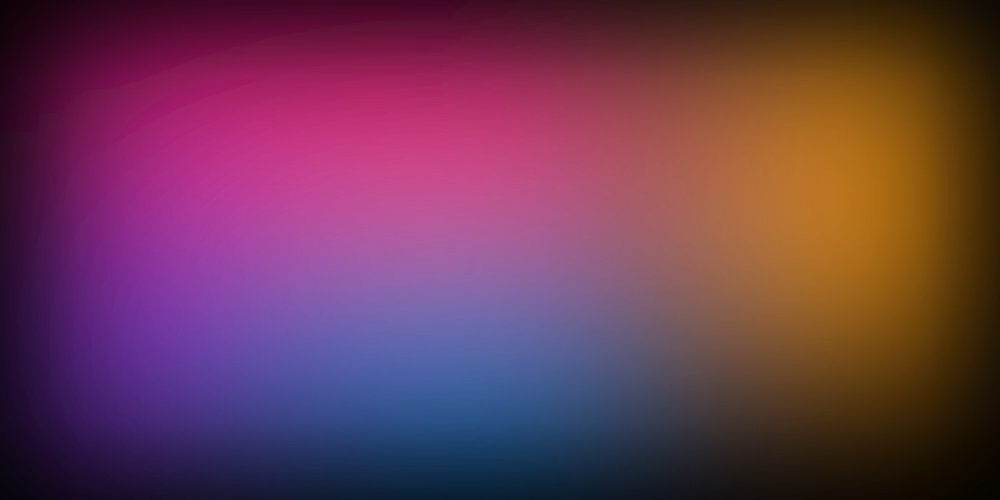
SVG markup can go well beyond simple shapes. You can use filters, gradients, blend modes, and other SVG features to create complex visual effects like this mesh gradient background:
{
    "timeline": {
        "tracks": [
            {
                "clips": [
                    {
                        "asset": {
                            "type": "svg",
                            "src": "<svg xmlns=\"http://www.w3.org/2000/svg\" width=\"1000\" height=\"500\" viewBox=\"0 0 1000 500\"><defs><filter id=\"blur\" filterUnits=\"userSpaceOnUse\" x=\"0\" y=\"0\" width=\"1000\" height=\"500\"><feGaussianBlur stdDeviation=\"100\"/></filter><filter id=\"noise\" x=\"0\" y=\"0\" width=\"100%\" height=\"100%\"><feTurbulence type=\"fractalNoise\" baseFrequency=\"1\" octaves=\"3\" result=\"turbulence\" stitchTiles=\"stitch\"/><feBlend in=\"SourceGraphic\" in2=\"turbulence\" mode=\"overlay\"/></filter></defs><rect width=\"100%\" height=\"100%\" fill=\"#000\"/><g filter=\"url(#blur)\"><rect x=\"100\" y=\"0\" width=\"560\" height=\"580\" fill=\"#009DE5\"/><rect x=\"50\" y=\"-60\" width=\"600\" height=\"320\" fill=\"#FF0197\"/><rect x=\"-140\" y=\"190\" width=\"420\" height=\"480\" fill=\"#8024C7\"/><rect x=\"700\" y=\"-200\" width=\"500\" height=\"580\" fill=\"#FFAF1A\"/></g><rect x=\"0\" y=\"0\" width=\"1000\" height=\"500\" style=\"mix-blend-mode: luminosity; filter: url(#noise); opacity: 20%\"/></svg>"
                        },
                        "start": 0,
                        "length": 5
                    }
                ]
            }
        ]
    },
    "output": {
        "format": "mp4",
        "size": {
            "width": 1000,
            "height": 500
        }
    }
}
Related topics
- Positioning - Position and scale assets on the timeline
- Animations - Animate clip properties over time