
MiniMax H3 API
Generate video from a prompt with native audio in stereo, at resolutions up to 4K.
MiniMax H3 modes
MiniMax · minimax-h3-text-to-video
Text to video
Generate video from a prompt with native audio in stereo, at resolutions up to 4K.
Put a prompt and "model": "minimax-h3-text-to-video" on a video clip, and the render generates it and edits it into the video. To generate it on its own, send the same asset to the generate endpoint.
Built for4K clips with stereo sound · Product and brand scenes · Repeatable variations
Technical specifications
| Input | Text prompt |
|---|---|
| Output | Video |
| Length | 5 to 15 seconds |
| Resolution | 480p, 768p, 2k, 4k |
| Aspect ratios | 21:9, 16:9, 4:3, 1:1, 3:4, 9:16 |
| Audio | Native audio |
| Seed | Set a seed for repeatable results |
| Prompt enhancement | On by default, can be turned off |
{
  "asset": {
    "type": "video",
    "prompt": "Soft light sweeps across a pair of white headphones on a blush-pink backdrop",
    "model": "minimax-h3-text-to-video",
    "options": {
      "aspectRatio": "4:3",
      "resolution": "768p"
    }
  },
  "length": 5
}MiniMax · minimax-h3-image-to-video
Image to video
Animate an image with native audio in stereo. Supply an ending image to guide the final frame.
Put a prompt and "model": "minimax-h3-image-to-video" on a video clip, and the render generates it and edits it into the video. To generate it on its own, send the same asset to the generate endpoint.
Built forAnimating a still with stereo sound · Endings set by an end image · Product moments up to 4K
Technical specifications
| Input | Text prompt and a start image, with an optional end image |
|---|---|
| Output | Video |
| Length | 5 to 15 seconds |
| Resolution | 480p, 768p, 2k, 4k |
| Audio | Native audio |
| Seed | Set a seed for repeatable results |
| Prompt enhancement | On by default, can be turned off |
{
  "asset": {
    "type": "video",
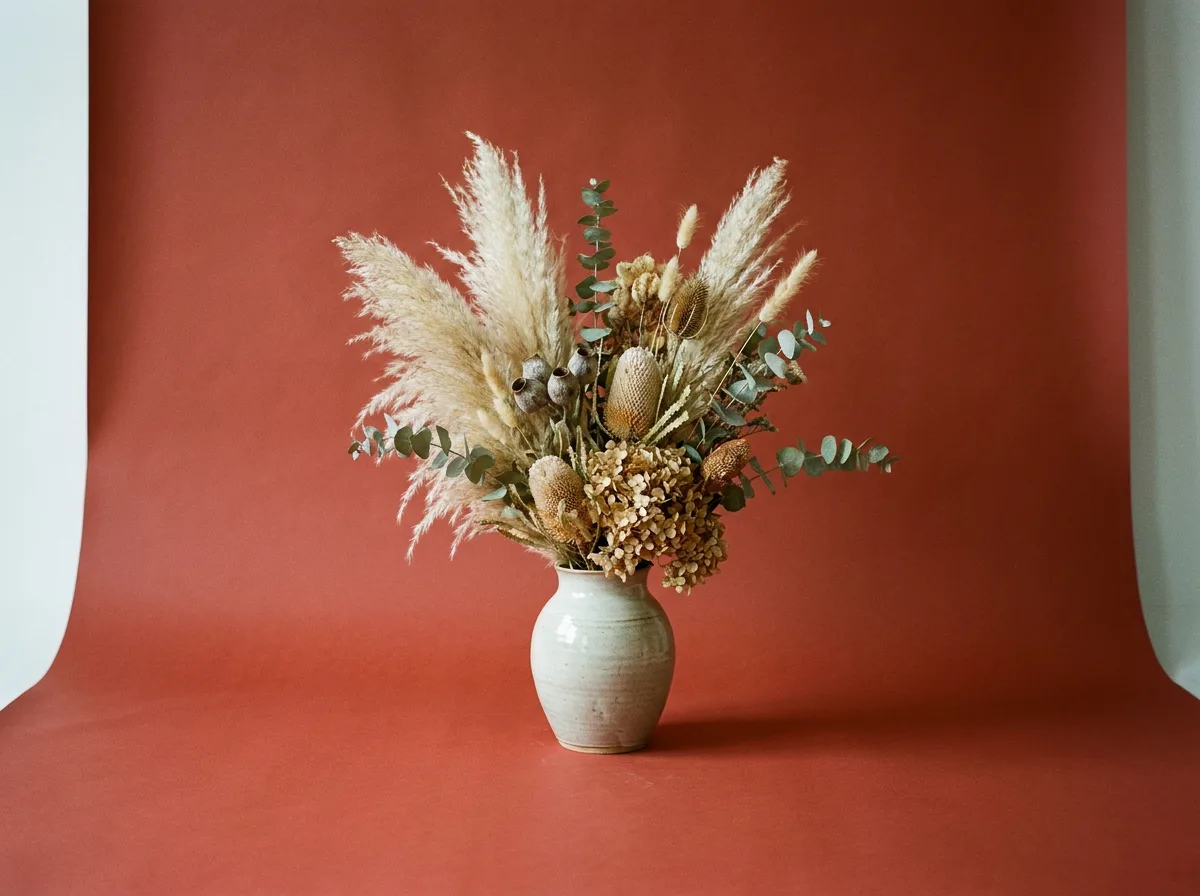
    "prompt": "The dried flowers sway gently as the camera pushes in",
    "model": "minimax-h3-image-to-video",
    "options": {
      "startSrc": "https://shotstack.io/assets/generated/models/nano-banana-pro.webp",
      "resolution": "768p"
    }
  },
  "length": 5
}Pricing
Generation is paid in credits from the same balance as rendering, at what the model's provider charges plus a small margin. See AI generation pricing.
| Mode | Charged per | Price changes with | Length a quote assumes without one |
|---|---|---|---|
| Text to video | Second of video, 5 to 15 | Resolution: 480p, 768p (default), 2K, 4K | 5 seconds |
| Image to video | Second of video, 5 to 15 | Resolution: 480p, 768p (default), 2K, 4K | 5 seconds |
Get a quote
POST /generate/quote takes the same body as the generate endpoint and returns what that generation would cost. Nothing is generated, reserved or
charged.
curl -X POST \
     -H "Content-Type: application/json" \
     -H "x-api-key: $SHOTSTACK_API_KEY" \
     -d '{
       "asset": {
         "type": "video",
         "prompt": "Soft light sweeps across a pair of white headphones on a blush-pink backdrop",
         "model": "minimax-h3-text-to-video",
         "options": {
           "aspectRatio": "4:3",
           "resolution": "768p"
         }
       },
       "length": 5
     }' \
     https://api.shotstack.io/edit/stage/generate/quote
The response gives credits, the price of that request, and ceiling, which is true when the request has no length for a
model charged by length, so the price is an estimate. Prices follow the providers, so ask again rather than storing one.
How it compares
MiniMax H3 beside the other models in Shotstack that make the same thing.
| Model | Best for | Modes | Length | Max resolution | Aspect ratios | Audio | End image | Seed |
|---|---|---|---|---|---|---|---|---|
| MiniMax H3 | Clips up to 15 seconds and 4K, with native stereo audio | Text to video, Image to video | 5–15 s | 4K | 6 | Native | Yes | Yes |
| Seedance 2.0 | Cinematic motion and prompt-directed camera moves | Text to video, Image to video | 4–15 s | 1080p | 6 | Optional | Yes | — |
| Seedance 2.5 | Longer scenes, up to 30 seconds in one clip | Text to video, Image to video | 4–30 s | 1080p | 6 | Optional | Yes | — |
| Wan 3.0 Prime | 1080p clips, with audio and prompt enhancement on by default | Text to video, Image to video | 2–30 s | 1080p | 5 | On by default | Yes | Yes |
| Gemini Omni Flash 1.1 | Short clips up to 4K, with native audio | Text to video, Image to video | 3–10 s | 4K | 2 | Native | Yes | — |