
Studio templates · News
Agricultural News & Transport Update: Farm Logistics
A professionally designed news template.
No account needed until you render.
What you can change
- S1_SLUG_1
- FLASH
- S1_SLUG_2
- NEWS
- WEB
- www.newssurvey.com
- S2_SLUG_1
- TOP
- S2_SLUG_2
- STORY
- S3_NEWS_SECTOR
- TRANSPORTATION
- S3_HEADLINE
- Government Supplies Trucks for Agriculture
- S3_STORY
- The government has supplied trucks to support the transportation of agricultural produce across rural areas. Officials say the initiative aims to reduce post-harvest losses and ensure farmers can move their goods to markets more easily.
- S3_VIDEO
- https://templates.shotstack.io/agricultural-news-transport-update-farm-logistics-trucks/21c30e8f-0d0d-4c63-8dff-d82458c653d9/source.mp4
- CTA
- FOLLOW FOR MORE
- FONT_COLOR_1
- #ffffff
- FONT_COLOR_2
- #000000
- BACKGROUND_COLOR
- #f4c60b
Output
- Format
- MP4
- Size
- 1080 × 1920
- Length
- 12 s
- Frame rate
- 25 fps
Make one for every story
Trigger a render from your CMS or RSS feed and each story ships with its own video. Give your AI agent the prompt, or run the script against a CSV.
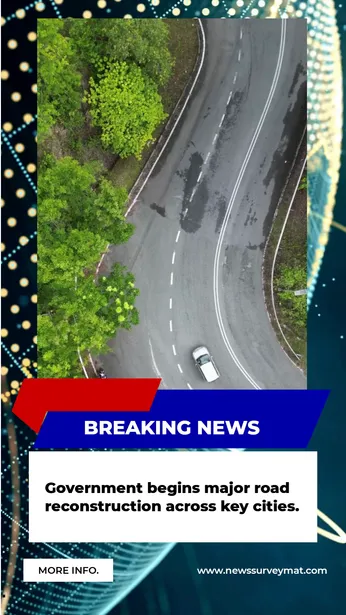
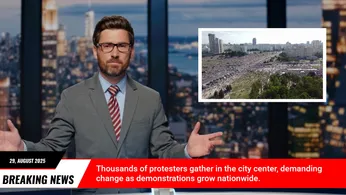
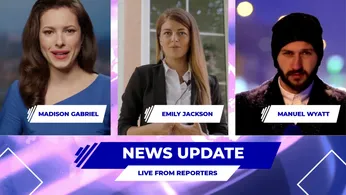
This template is tailored for news outlets, agricultural organizations, or government bodies to disseminate updates regarding agricultural transport and logistics. It's ideal for reporting on initiatives, policy changes, or developments that impact farmers and the movement of their produce. Whether it's announcing a new fleet of government-supplied trucks to reduce post-harvest losses or detailing improvements in rural transport infrastructure, this template provides a clear and engaging format. It emphasizes timely and relevant information, making it easy to share news that affects the agricultural community, highlights operational improvements, and informs stakeholders about efforts to enhance efficiency in the supply chain. The design ensures readability and impact, making it a go-to solution for communicating vital agricultural news
Common questions
How do I change the text and media without editing the JSON?
Use the 13 merge fields listed above. Send a merge array with your own values for each field and the API swaps them in at render time, so one template can produce thousands of unique videos.
Is this template made for TikTok, Reels and Shorts?
Yes. It renders vertical 1080×1920 (9:16), the format those platforms expect. Change output.size or output.aspectRatio in the JSON if you also need a square or landscape cut.
Can I swap the footage for my own video?
Yes. Replace the video asset's src with a public URL of your file (MP4 works best). Use trim and length on the clip to pick the part you want, and the template's effects apply to your footage.
How do I change the text and fonts?
Edit the text on each rich-text asset in the JSON. Fonts come from the timeline fonts list or the asset's font family; add your own font file URL to timeline.fonts to use a brand typeface.