
Studio templates · News
Government Policy Review News Template - Updates & Analysis
A professionally designed news template.
No account needed until you render.
What you can change
- HEADING
- GOVERNMENT REVIEWS POLICIES TO BOOST IMPORTATION AND STRENGTHEN EXPORTATION FOR ECONOMIC GROWTH
- BULLETIN
- NEWS UPDATE
- STATUS
- LIVE
- PHONE
- +100-327-3432
- HELP@NEWSNORTHSURVEY.COM
- WEB
- WWW.NEWSNORTHSURVEY.COM
- FONT_COLOR_1
- #ffffff
- FONT_COLOR_2
- #000000
- SHAPE_COLOR
- #bb0000
- VIDEO_PRESENTER
- https://templates.shotstack.io/government-policy-review-news-template-updates-analysis/e679c6c9-f333-4cb9-9669-1f842c2d3e2a/source.mp4
- VIDEO_BACKGROUND
- https://templates.shotstack.io/government-policy-review-news-template-updates-analysis/4f303b15-cd4f-49f9-b3ed-9638a07fae48/source.mp4
Output
- Format
- MP4
- Size
- 1920 × 1080
- Length
- 20 s
- Frame rate
- 25 fps
Make one for every story
Trigger a render from your CMS or RSS feed and each story ships with its own video. Give your AI agent the prompt, or run the script against a CSV.
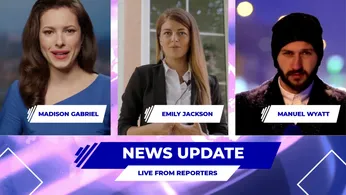
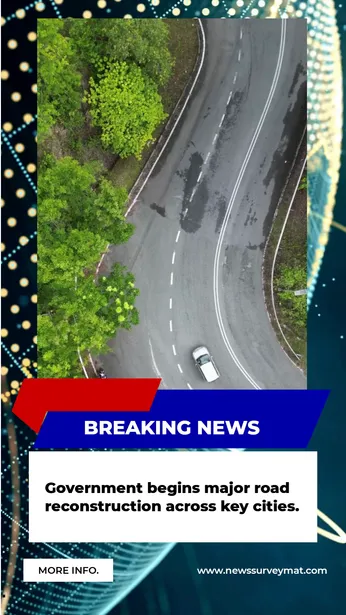
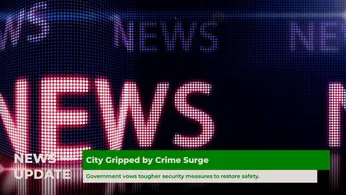
Deliver critical information with authority and clarity using our Government Policy Review News Template. Designed for news outlets, think tanks, or government agencies, this template is ideal for reporting on policy updates, government initiatives, and in-depth analysis of legislative changes. It provides a structured yet flexible framework to present complex information in an accessible manner, ensuring your audience is well-informed about the latest developments. With dedicated sections for headlines, detailed reports, and expert commentary, this template enables you to cover a wide range of topics, from economic policy shifts to social reforms. Its professional design ensures credibility, while its customisable features allow you to tailor the content to specific policy areas or ongoing events. Keep your audience abreast of the ever-evolving landscape of government policy with a template that signifies reliability and journalistic integrity.
Common questions
How do I change the text and media without editing the JSON?
Use the 11 merge fields listed above. Send a merge array with your own values for each field and the API swaps them in at render time, so one template can produce thousands of unique videos.
Can I render this in full HD or 4K for YouTube?
Yes. This template renders 1920×1080 by default. Set output.resolution to "1080" or output.size to a larger 16:9 size in the JSON; the layout scales with it.
Can I swap the footage for my own video?
Yes. Replace the video asset's src with a public URL of your file (MP4 works best). Use trim and length on the clip to pick the part you want, and the template's effects apply to your footage.
How do I change the text and fonts?
Edit the text on each rich-text asset in the JSON. Fonts come from the timeline fonts list or the asset's font family; add your own font file URL to timeline.fonts to use a brand typeface.