
Studio templates · Memories
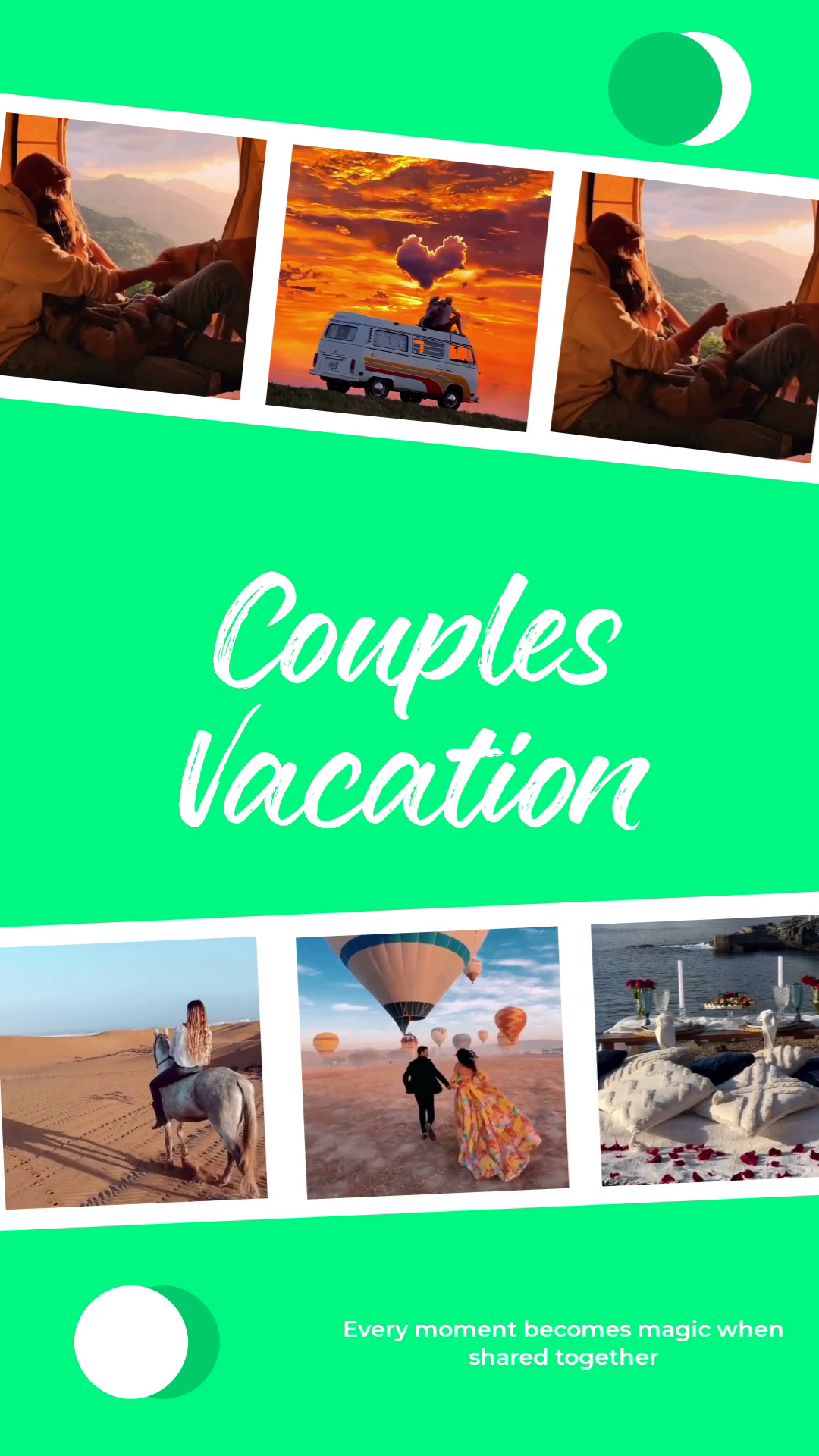
Holiday Love Story Template - Romantic Memories & Videos
A professionally designed memories template.
No account needed until you render.
What you can change
- S1_Day
- TUESTDAY
- S1_Date
- 26 MAY
- S1_Event
- Remember this day
- S1_Folder_1
- First Date
- S1_Folder_2
- Love Throwback
- S1_Folder_3
- Beautiful Moment
- S1_Folder_4
- Favorite
- S1_Video_1
- https://templates.shotstack.io/holiday-love-story-template-romantic-memories-video/f610868b-ebc7-4081-851d-dc2759638ba5/source.mp4
- S2_VIDEO_2
- https://templates.shotstack.io/holiday-love-story-template-romantic-memories-video/42ebb9f2-7c2b-4c6b-b1cd-4e11d4366bbf/source.mp4
- S1_VIDEO_3
- https://templates.shotstack.io/holiday-love-story-template-romantic-memories-video/605afd06-0243-4403-b5e4-80538ef6da46/source.mp4
- S2_Title
- Romantic Holiday
- S2_VIDEO_1
- https://templates.shotstack.io/holiday-love-story-template-romantic-memories-video/1dd9fdd7-040b-4822-9ec1-1e9a594846bc/source.mp4
- S3_VIDEO_2
- https://templates.shotstack.io/holiday-love-story-template-romantic-memories-video/14ff00a9-a4cc-4f8d-9702-7cb0d464614b/source.mp4
- S4_VIDEO_3
- https://templates.shotstack.io/holiday-love-story-template-romantic-memories-video/20f5fe59-3e91-4c51-aaae-1de4b6173e48/source.mp4
- FONT_COLOR_1
- #ff0000
- FONT_COLOR_2
- #000000
- CALENDER_COLOR
- #efefef
- FOLDER_COLOR
- #eea50d
- FONT_COLOR_3
- #ffffff
- TEXT_BACKGROUND_COLOR
- #000000
- S3_Body
- From sunsets by the shore to laughter under the stars, our holiday gave us more than memories
- AUDIO
- https://templates.shotstack.io/holiday-love-story-template-romantic-memories-video/5f6210e5-73f0-4bcc-b8e4-292a94585f55/source.mp3
- S3_Subtitle
- Love, Promise, Gratitude.
Output
- Format
- MP4
- Size
- 1080 × 1920
- Length
- 16 s
- Frame rate
- 25 fps
Make one for every post
Loop over your content calendar and keep the feed full without an editor. Give your AI agent the prompt, or run the script against a CSV.
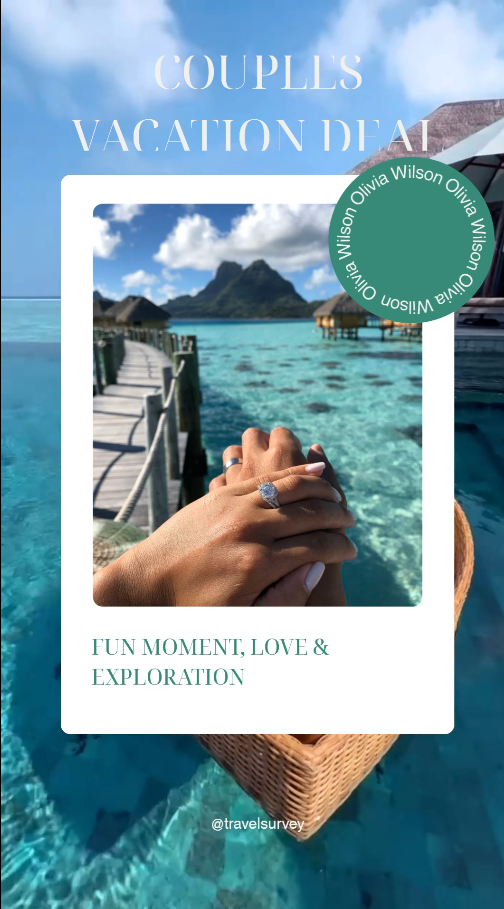
"Relive your most cherished moments with our Holiday Love Story Template. This beautifully designed template is ideal for couples and individuals wanting to compile their holiday memories, romantic milestones, and travel adventures into a captivating video or digital showcase. Far from a generic product listing, this template focuses on celebrating personal experiences and emotional connections. With sections clearly designed to highlight key dates, favourite moments, and special throwbacks (like 'First Date' and 'Love Throwback'), the template provides a structured yet flexible framework for your memories. It’s perfect for commemorating anniversaries, sharing vacation highlights, or simply creating a digital scrapbook of your journey together. The Holiday Love Story Template offers intuitive customisation options, allowing you to easily add your own photos and videos, personalise captions, and even select background music to perfectly set the mood. Its user-friendly interface ensures that creating a poignant and visually stunning memory compilation is a joyful and simple process. Make every memory count and beautifully present your holiday love story, ensuring these precious moments are preserved and shared for years to come."
Common questions
How do I change the text and media without editing the JSON?
Use the 23 merge fields listed above. Send a merge array with your own values for each field and the API swaps them in at render time, so one template can produce thousands of unique videos.
Is this template made for TikTok, Reels and Shorts?
Yes. It renders vertical 1080×1920 (9:16), the format those platforms expect. Change output.size or output.aspectRatio in the JSON if you also need a square or landscape cut.
Can I swap the footage for my own video?
Yes. Replace the video asset's src with a public URL of your file (MP4 works best). Use trim and length on the clip to pick the part you want, and the template's effects apply to your footage.
How do I change the text and fonts?
Edit the text on each rich-text asset in the JSON. Fonts come from the timeline fonts list or the asset's font family; add your own font file URL to timeline.fonts to use a brand typeface.