{
  "timeline": {
    "fonts": [
      {
        "src": "https://templates.shotstack.io/london-event-sale-promotion-template-uk/64060558-53a3-4965-9c6f-19b6b2eaa88b/source.ttf"
      },
      {
        "src": "https://templates.shotstack.io/london-event-sale-promotion-template-uk/2d349767-d213-43de-b3db-64d1cd793057/source.ttf"
      },
      {
        "src": "https://templates.shotstack.io/london-event-sale-promotion-template-uk/b56c6efe-5df7-4310-82b0-03e54891773b/source.ttf"
      },
      {
        "src": "https://templates.shotstack.io/london-event-sale-promotion-template-uk/92e45680-bf98-4a9b-9f47-38333ea20f22/source.ttf"
      },
      {
        "src": "https://templates.shotstack.io/london-event-sale-promotion-template-uk/04adb519-01dc-4850-9540-3338624017f2/source.ttf"
      }
    ],
    "background": "#FFFFFF",
    "tracks": [
      {
        "clips": [
          {
            "length": "end",
            "asset": {
              "type": "audio",
              "src": "{{ AUDIO_SRC }}",
              "volume": 1
            },
            "start": 0
          }
        ]
      },
      {
        "clips": [
          {
            "asset": {
              "type": "rich-text",
              "text": "{{Text_1}}",
              "font": {
                "family": "CMU Serif",
                "size": 55,
                "weight": 400,
                "color": "{{ FONT_COLOR }}",
                "opacity": 1
              },
              "style": {
                "letterSpacing": 0,
                "wordSpacing": 0,
                "lineHeight": 1,
                "textTransform": "none",
                "textDecoration": "none"
              },
              "align": {
                "horizontal": "center",
                "vertical": "middle"
              },
              "background": {
                "color": "{{ SHAPE_COLOR }}",
                "opacity": 0.56,
                "borderRadius": 47
              },
              "animation": {
                "preset": "fadeIn",
                "style": "word"
              }
            },
            "start": 0.6,
            "length": "end",
            "offset": {
              "x": 0,
              "y": -0.326
            },
            "position": "center",
            "transition": {
              "in": "fade"
            },
            "width": 500,
            "height": 250
          }
        ]
      },
      {
        "clips": [
          {
            "asset": {
              "type": "rich-text",
              "text": "{{Text_2}}",
              "font": {
                "family": "CMU Serif",
                "size": 70,
                "weight": 400,
                "color": "{{ FONT_COLOR }}",
                "opacity": 1
              },
              "style": {
                "letterSpacing": 0,
                "wordSpacing": 0,
                "lineHeight": 1,
                "textTransform": "none",
                "textDecoration": "none"
              },
              "align": {
                "horizontal": "center",
                "vertical": "middle"
              },
              "animation": {
                "preset": "fadeIn",
                "style": "word"
              }
            },
            "start": 0.5,
            "length": "end",
            "offset": {
              "x": 0,
              "y": -0.217
            },
            "position": "center",
            "transition": {
              "in": "slideUp"
            },
            "width": 900,
            "height": 150
          }
        ]
      },
      {
        "clips": [
          {
            "asset": {
              "type": "svg",
              "src": "<svg viewBox=\"0 0 800 10\" xmlns=\"http://www.w3.org/2000/svg\"><rect width=\"800\" height=\"10\" fill=\"{{ FONT_COLOR }}\"/></svg>"
            },
            "start": 0.4,
            "length": "end",
            "offset": {
              "x": 0,
              "y": -0.164
            },
            "position": "center",
            "transition": {
              "in": "fade"
            },
            "width": 800,
            "height": 10
          }
        ]
      },
      {
        "clips": [
          {
            "asset": {
              "type": "svg",
              "src": "<svg viewBox=\"0 0 800 10\" xmlns=\"http://www.w3.org/2000/svg\"><rect width=\"800\" height=\"10\" fill=\"{{ FONT_COLOR }}\"/></svg>"
            },
            "start": 0.3,
            "length": "end",
            "offset": {
              "x": 0,
              "y": 0.169
            },
            "position": "center",
            "transition": {
              "in": "fade"
            },
            "width": 800,
            "height": 10
          }
        ]
      },
      {
        "clips": [
          {
            "asset": {
              "type": "rich-text",
              "text": "{{Text_3}}",
              "font": {
                "family": "CMU Serif",
                "size": 70,
                "weight": 400,
                "color": "{{ FONT_COLOR }}",
                "opacity": 1
              },
              "style": {
                "letterSpacing": 0,
                "wordSpacing": 0,
                "lineHeight": 1,
                "textTransform": "none",
                "textDecoration": "none"
              },
              "align": {
                "horizontal": "center",
                "vertical": "middle"
              },
              "animation": {
                "preset": "fadeIn",
                "style": "word"
              }
            },
            "start": 0.2,
            "length": "end",
            "offset": {
              "x": 0,
              "y": 0.23
            },
            "position": "center",
            "transition": {
              "in": "slideUp"
            },
            "width": 900,
            "height": 150
          }
        ]
      },
      {
        "clips": [
          {
            "asset": {
              "type": "rich-text",
              "text": "{{Text_4}}",
              "font": {
                "family": "CMU Serif",
                "size": 49,
                "weight": 400,
                "color": "#ffffff",
                "opacity": 1
              },
              "style": {
                "letterSpacing": 0,
                "wordSpacing": 0,
                "lineHeight": 1,
                "textTransform": "none",
                "textDecoration": "none"
              },
              "align": {
                "horizontal": "center",
                "vertical": "middle"
              },
              "animation": {
                "preset": "fadeIn",
                "style": "word"
              }
            },
            "start": 0,
            "length": "end",
            "offset": {
              "x": 0,
              "y": 0.282
            },
            "position": "center",
            "transition": {
              "in": "slideUp"
            },
            "width": 800,
            "height": 100
          }
        ]
      },
      {
        "clips": [
          {
            "length": "end",
            "asset": {
              "type": "video",
              "src": "{{ VIDEO_1 }}",
              "volume": 1
            },
            "start": 0,
            "scale": 1,
            "offset": {
              "x": 0,
              "y": -0.33204572291143647
            },
            "opacity": 1,
            "fit": "contain",
            "width": 1080,
            "height": 643
          }
        ]
      },
      {
        "clips": [
          {
            "length": "end",
            "asset": {
              "type": "video",
              "src": "{{ VIDEO_2 }}",
              "volume": 1
            },
            "start": 0,
            "scale": 1,
            "offset": {
              "x": 0,
              "y": 0.334409152696464
            },
            "position": "center",
            "fit": "contain",
            "width": 1080,
            "height": 643
          }
        ]
      },
      {
        "clips": [
          {
            "length": 15,
            "asset": {
              "type": "video",
              "src": "{{ VIDEO_3 }}",
              "volume": 1
            },
            "start": 0,
            "scale": 1,
            "position": "center",
            "fit": "contain",
            "width": 1080,
            "height": 643,
            "offset": {
              "x": 0,
              "y": 0
            }
          }
        ]
      }
    ]
  },
  "output": {
    "format": "mp4",
    "fps": 25,
    "size": {
      "width": 1080,
      "height": 1920
    },
    "destinations": [
      {
        "provider": "shotstack"
      }
    ]
  },
  "merge": [
    {
      "find": "Text_1",
      "replace": "Thames Cruise Market Stroll Gallery Escape"
    },
    {
      "find": "Text_2",
      "replace": "Step Into Royal Pulse"
    },
    {
      "find": "FONT_COLOR",
      "replace": "#ffffff"
    },
    {
      "find": "Text_3",
      "replace": "London rewrites you"
    },
    {
      "find": "Text_4",
      "replace": "More than a visit."
    },
    {
      "find": "SHAPE_COLOR",
      "replace": "#3f6f9d"
    },
    {
      "find": "VIDEO_1",
      "replace": "https://templates.shotstack.io/london-event-sale-promotion-template-uk/9e41f0f8-2548-4296-a1a6-5796595adef4/source.mp4"
    },
    {
      "find": "VIDEO_2",
      "replace": "https://templates.shotstack.io/london-event-sale-promotion-template-uk/d7aa6bbd-6646-4960-9586-aedd5ff89ec0/source.mp4"
    },
    {
      "find": "VIDEO_3",
      "replace": "https://templates.shotstack.io/london-event-sale-promotion-template-uk/d0ead9fc-d4d5-444a-9585-c48e37ff6e3b/source.mp4"
    },
    {
      "find": "AUDIO_SRC",
      "replace": "https://templates.shotstack.io/london-event-sale-promotion-template-uk/a69b66ed-ef93-48cb-bfe4-078a3bc81273/source.mp3"
    }
  ]
}
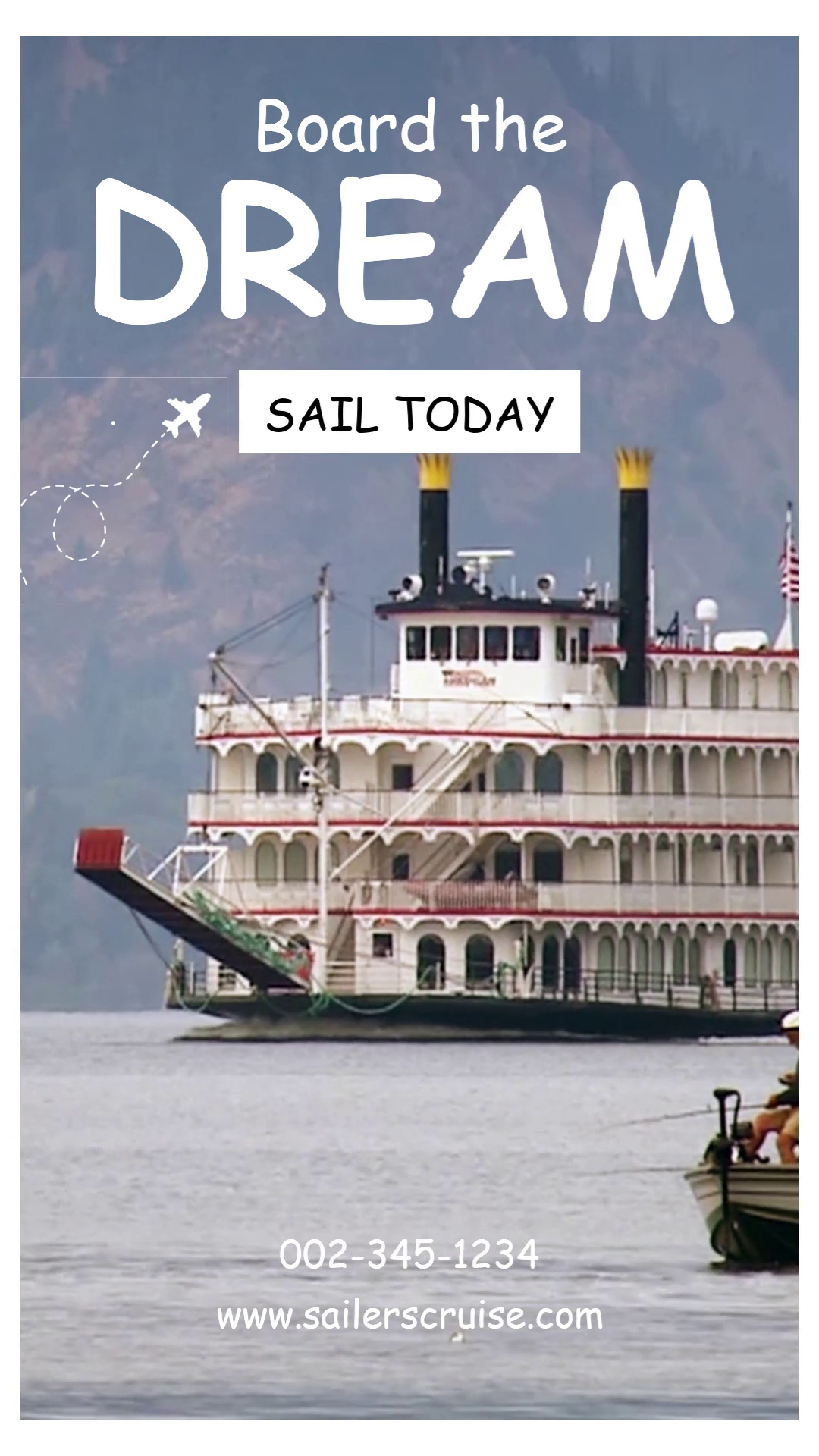
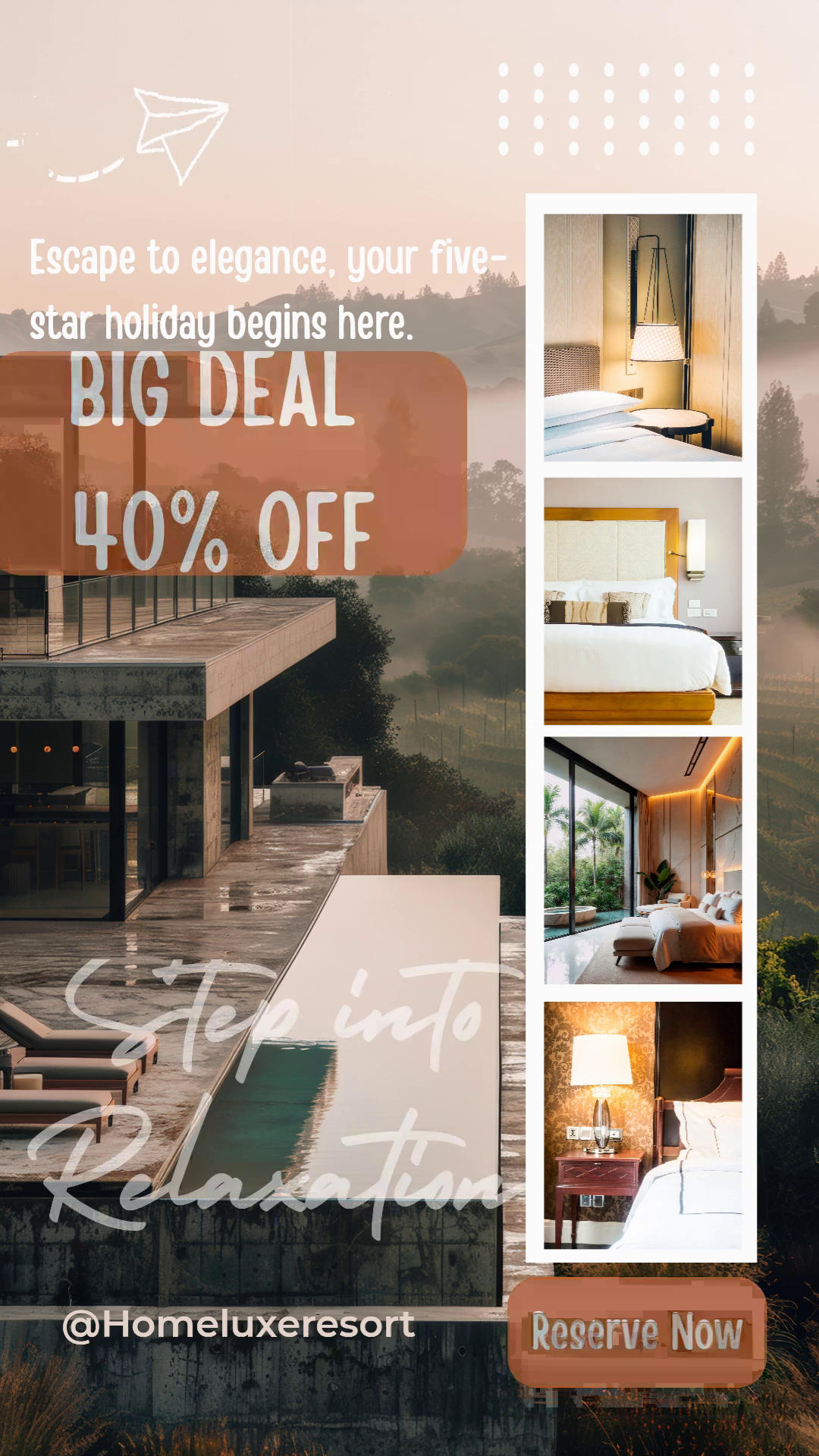
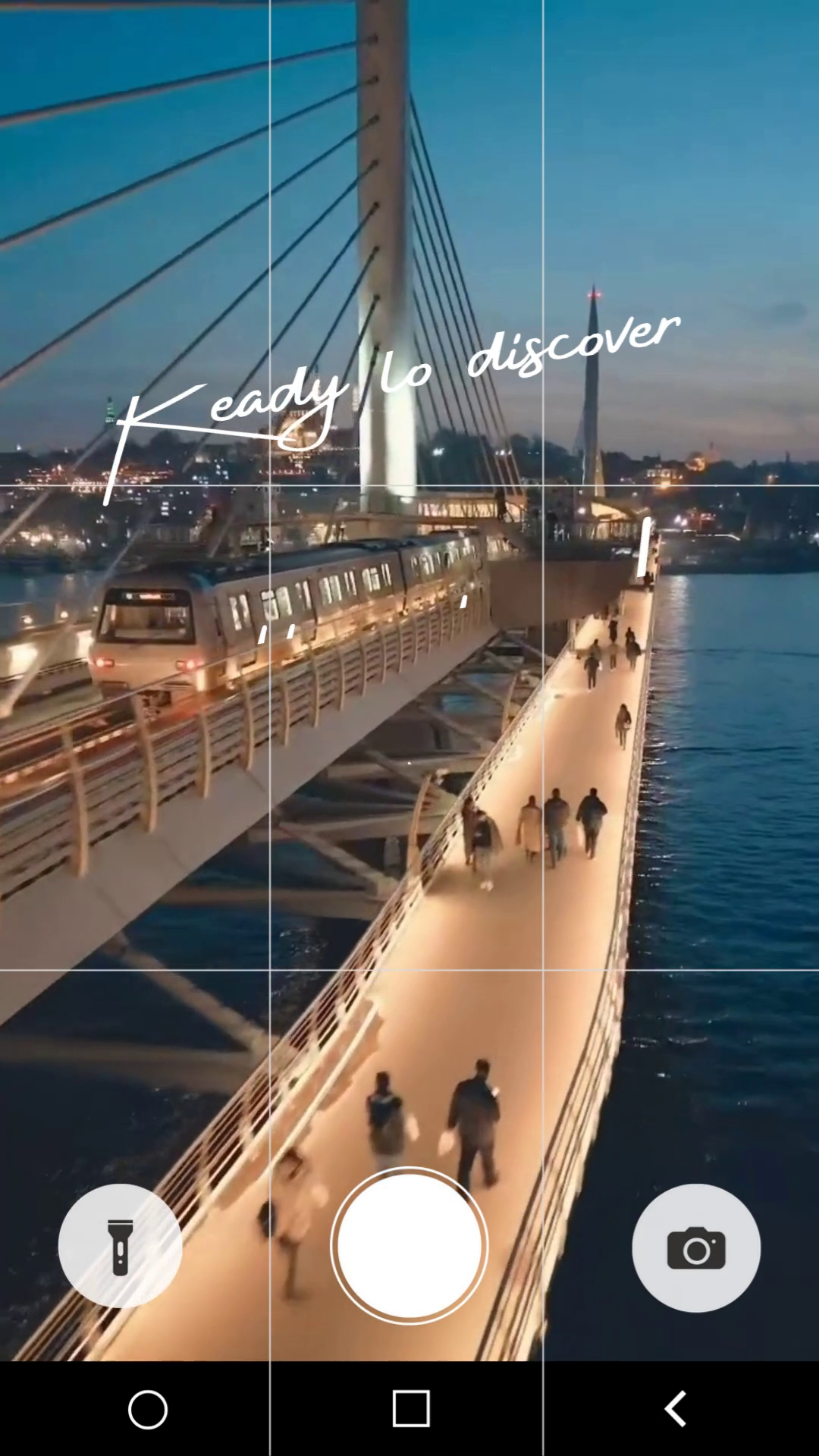
Capture the iconic spirit of London and give your next promotional campaign a touch of royal elegance with the "London Calling" template. Designed for businesses aiming to create a memorable and high-impact announcement, this template is the perfect solution for advertising special events, seasonal sales, or exclusive offers. This user-friendly template enables full customisation to match your brand's unique identity. Effortlessly change the text, color schemes, and images to fit your specific campaign. Whether you're launching a holiday discount, a special-access event, or a limited-time offer, this layout provides a sophisticated and clean structure to effectively highlight your promotion. Move beyond simple announcements. The "London Calling" template is built to engage your audience and drive action, helping you boost sales, increase event attendance, and enhance your brand's image. It’s a ready-to-use marketing tool designed to make your promotional efforts seamless and successful.
No account needed until you render.
Render with your AI assistant
Add the Shotstack MCP server to your editor, then paste the prompt
| Output | MP4 |
|---|---|
| Size | 1080 × 1920 (9:16) |
| Length | 15s |
| Frame rate | 25 fps |
| Tracks / clips | 10 / 10 |
| Assets used | 1 audio, 4 rich-text, 2 svg, 3 video |
| Soundtrack | no |
| Merge fields | 10 |
Send a merge array with your values for these fields:
| Field | Default value |
|---|---|
{{ Text_1 }} | Thames Cruise Market Stroll Gallery Escape |
{{ Text_2 }} | Step Into Royal Pulse |
{{ FONT_COLOR }} | #ffffff |
{{ Text_3 }} | London rewrites you |
{{ Text_4 }} | More than a visit. |
{{ SHAPE_COLOR }} | #3f6f9d |
{{ VIDEO_1 }} | https://templates.shotstack.io/london-event-sale-promotion-template-uk/9e41f0f8-2548-4296-a1a6-5796595adef4/source.mp4 |
{{ VIDEO_2 }} | https://templates.shotstack.io/london-event-sale-promotion-template-uk/d7aa6bbd-6646-4960-9586-aedd5ff89ec0/source.mp4 |
{{ VIDEO_3 }} | https://templates.shotstack.io/london-event-sale-promotion-template-uk/d0ead9fc-d4d5-444a-9585-c48e37ff6e3b/source.mp4 |
{{ AUDIO_SRC }} | https://templates.shotstack.io/london-event-sale-promotion-template-uk/a69b66ed-ef93-48cb-bfe4-078a3bc81273/source.mp3 |
Save the JSON above as template.json, then render in the free sandbox:
# Save the JSON above as template.json, then:
curl -X POST https://api.shotstack.io/edit/stage/render \
  -H "x-api-key: $SHOTSTACK_API_KEY" \
  -H "Content-Type: application/json" \
  -d @template.json

# Poll until status is "done", then download response.url
curl https://api.shotstack.io/edit/stage/render/RENDER_ID -H "x-api-key: $SHOTSTACK_API_KEY"import { readFileSync } from 'node:fs';
const headers = { 'x-api-key': process.env.SHOTSTACK_API_KEY, 'Content-Type': 'application/json' };
const edit = JSON.parse(readFileSync('template.json', 'utf8'));
const { response } = await fetch('https://api.shotstack.io/edit/stage/render', {
method: 'POST', headers, body: JSON.stringify(edit)
}).then((r) => r.json());
let render;
do {
await new Promise((r) => setTimeout(r, 3000));
render = (await fetch(`https://api.shotstack.io/edit/stage/render/${response.id}`, { headers }).then((r) => r.json())).response;
} while (!['done', 'failed'].includes(render.status));
console.log(render.status, render.url);import json, os, time, requests
headers = {"x-api-key": os.environ["SHOTSTACK_API_KEY"]}
with open("template.json") as f:
edit = json.load(f)
render_id = requests.post("https://api.shotstack.io/edit/stage/render", json=edit, headers=headers).json()["response"]["id"]
while True:
render = requests.get(f"https://api.shotstack.io/edit/stage/render/{render_id}", headers=headers).json()["response"]
if render["status"] in ("done", "failed"):
break
time.sleep(3)
print(render["status"], render.get("url"))npm install -g @shotstack/cli
export SHOTSTACK_API_KEY=your_sandbox_key
shotstack validate template.json # offline schema check, free
shotstack render template.json --env stage --watchSandbox renders are free and watermarked. Production: the v1 endpoint and key. SDKs
Loop over your product feed and render a promo per SKU — prices and images always current.
Paste into Claude, ChatGPT or Cursor — your AI assistant builds the workflow around your data.
Node.js, one render per CSV row, wired to this template's 10 merge fields. Setup steps in the header.
Guides: Bulk-create from a CSV · Webhooks · Templates endpoint · Render your first video
AI assistants: Markdown () · · · CLI skill: SKILL.md () · MCP server
Use the 10 merge fields listed above. Send a merge array with your own values for each field and the API swaps them in at render time, so one template can produce thousands of unique videos.
Yes. It renders vertical 1080×1920 (9:16), the format those platforms expect. Change output.size or output.aspectRatio in the JSON if you also need a square or landscape cut.
Yes. Replace the video asset's src with a public URL of your file (MP4 works best). Use trim and length on the clip to pick the part you want, and the template's effects apply to your footage.
Edit the text on each rich-text asset in the JSON. Fonts come from the timeline fonts list or the asset's font family; add your own font file URL to timeline.fonts to use a brand typeface.