
Studio templates · Travel
Modern Travel Deal Promotional Flyer Template
A professionally designed travel template.
No account needed until you render.
What you can change
- Company_name
- Airfly ZONE
- Duty
- Travel Agent
- Title
- LET’S TRAVEL THE GLOBE TOGETHER
- Tagline
- We Make your Travel Experience Unforgettable
- Subtitle
- We Offer:
- List_1
- Luxury Vacation Planning
- List_2
- Exclusive Guided Tours
- List_3
- VIP Airport Services
- List_4
- 24/7 Travel Concierge
- Discount
- 40% OFF
- CTA_1
- Book Now
- Web
- www.airflyzone.com
- CTA_2
- VISIT US
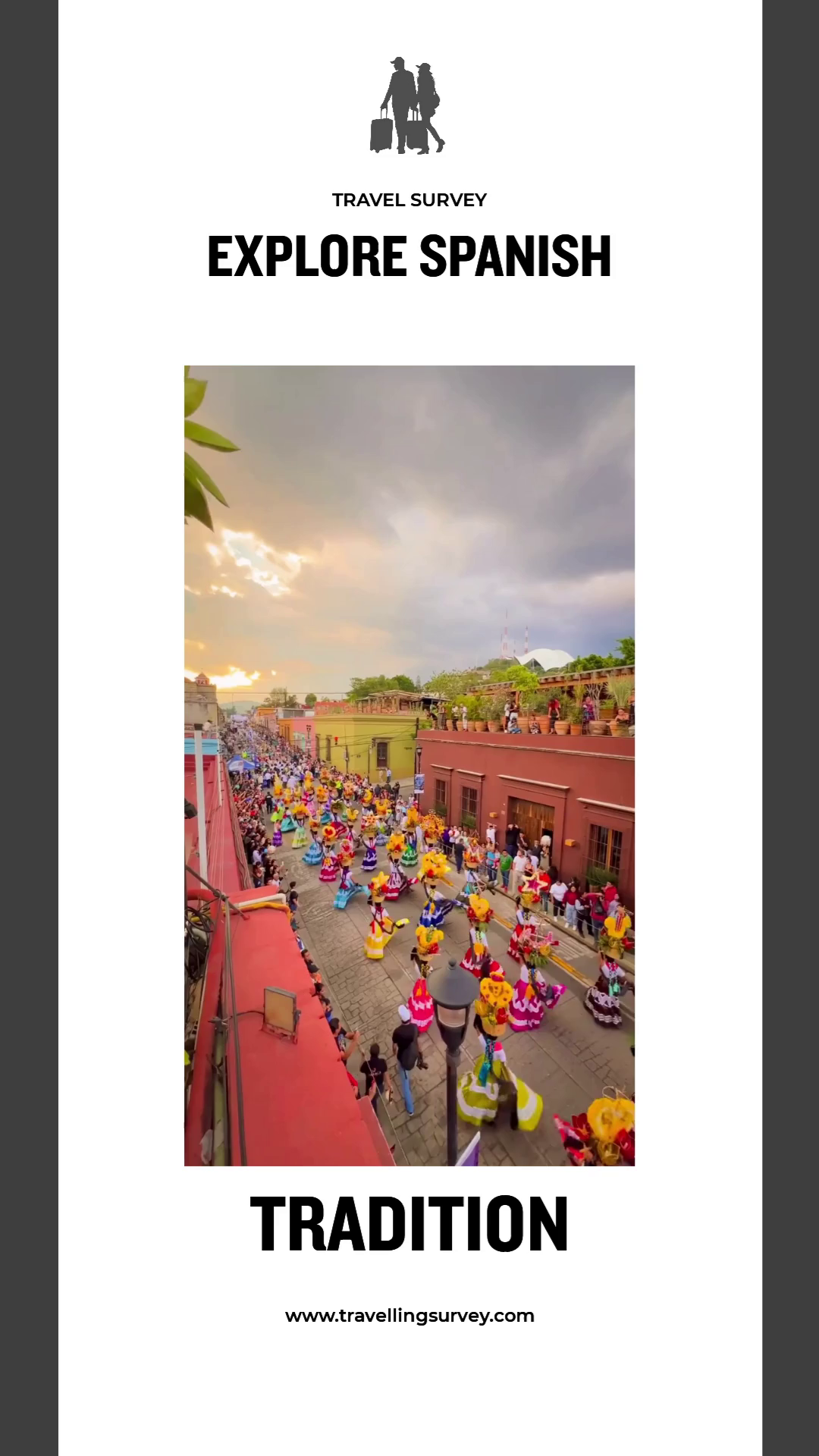
- VIDEO
- https://templates.shotstack.io/travel-deal-flyer-template-sale-promotion-offer/d656734b-e668-4fcb-bdcd-25b76d1c00a2/source.mp4
- FONT_COLOR_1
- #e1b504
- FONT_COLOR_2
- #ffffff
- BACKGROUND_COLOR
- #005f64
- AUDIO
- https://templates.shotstack.io/travel-deal-flyer-template-sale-promotion-offer/0651298a-ff0c-45f9-949a-5d567a571bbc/source.mp3
Output
- Format
- MP4
- Size
- 1080 × 1920
- Length
- 5 s
- Frame rate
- 25 fps
Make one for every review
Pipe in new reviews or testimonials and each one becomes a share-ready video. Give your AI agent the prompt, or run the script against a CSV.
Launch your next marketing campaign with this sleek and professional promotional template. Perfectly crafted for announcing special offers, seasonal sales, or exclusive events, this design helps you capture customer attention instantly. It features a bold headline, a prominent space for your discount or key message, and a clean layout to highlight the main benefits of your offer. This template is fully customisable, allowing you to easily adapt the colours, text, and imagery to align perfectly with your brand identity. Its user-friendly structure ensures you can create a stunning and effective promotional graphic in minutes, helping you drive engagement and boost sales for your next big event.


Common questions
How do I change the text and media without editing the JSON?
Use the 18 merge fields listed above. Send a merge array with your own values for each field and the API swaps them in at render time, so one template can produce thousands of unique videos.
Is this template made for TikTok, Reels and Shorts?
Yes. It renders vertical 1080×1920 (9:16), the format those platforms expect. Change output.size or output.aspectRatio in the JSON if you also need a square or landscape cut.
Can I swap the footage for my own video?
Yes. Replace the video asset's src with a public URL of your file (MP4 works best). Use trim and length on the clip to pick the part you want, and the template's effects apply to your footage.
How do I change the text and fonts?
Edit the text on each text asset in the JSON. Fonts come from the timeline fonts list or the asset's font family; add your own font file URL to timeline.fonts to use a brand typeface.