
Luma Uni-1 API
Generate 2K images from text prompts in nine aspect ratios, from 3:1 to 1:3.
Luma Uni-1 modes
Luma AI · uni-1
Text to image
Generate 2K images from text prompts in nine aspect ratios, from 3:1 to 1:3.
Put a prompt and "model": "uni-1" on an image clip, and the render generates it and edits it into the video. To generate it on its own, send the same asset to the generate endpoint.
Built forOpening frames and end cards · Backgrounds for titles · Wide and tall formats
Technical specifications
| Input | Text prompt |
|---|---|
| Output | Image |
| Resolution | 2K |
| Aspect ratios | 3:1, 2:1, 16:9, 3:2, 1:1, 2:3, 9:16, 1:2, 1:3 |
{
  "asset": {
    "type": "image",
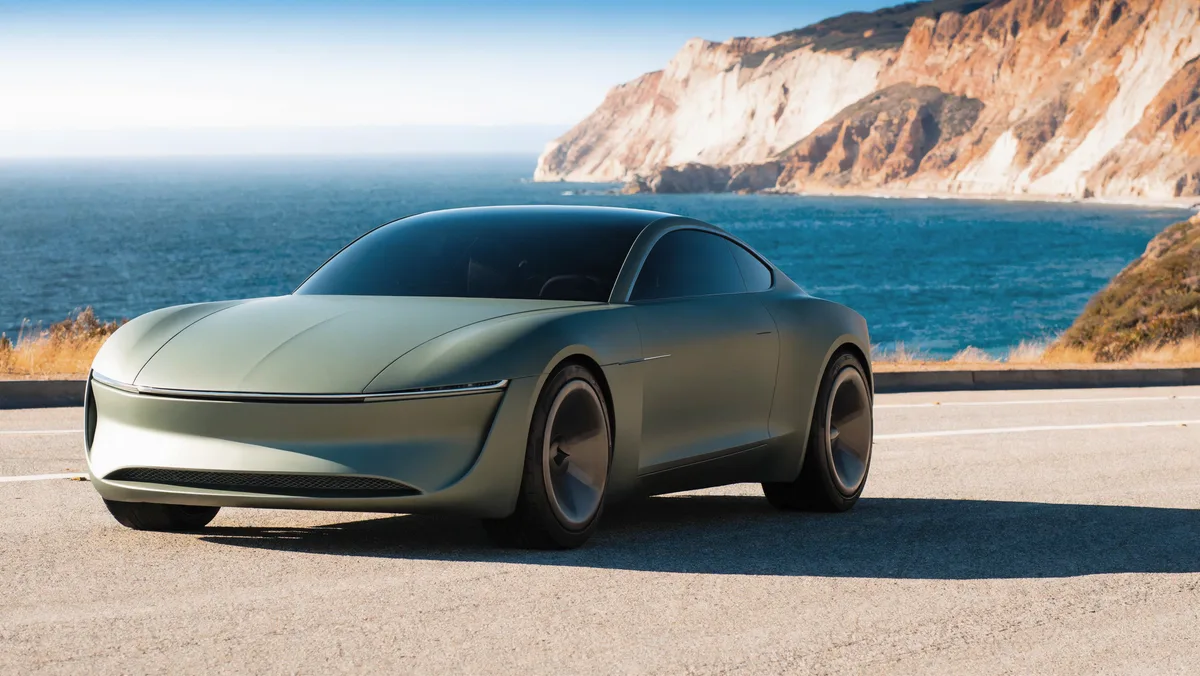
    "prompt": "A sage-green concept coupe parked on an empty coastal highway in bright morning sun",
    "model": "uni-1",
    "options": {
      "aspectRatio": "16:9"
    }
  },
  "length": 5
}Luma AI · uni-1-edit
Image to image
Edit the first image with instructions, guided by up to eight more references. Suited to consistent characters, products and brand assets.
Put a prompt and "model": "uni-1-edit" on an image clip, and the render generates it and edits it into the video. To generate it on its own, send the same asset to the generate endpoint.
Built forThe same product in new scenes · Consistent characters · Brand assets
Technical specifications
| Input | Text prompt and up to 9 reference images |
|---|---|
| Output | Image |
{
  "asset": {
    "type": "image",
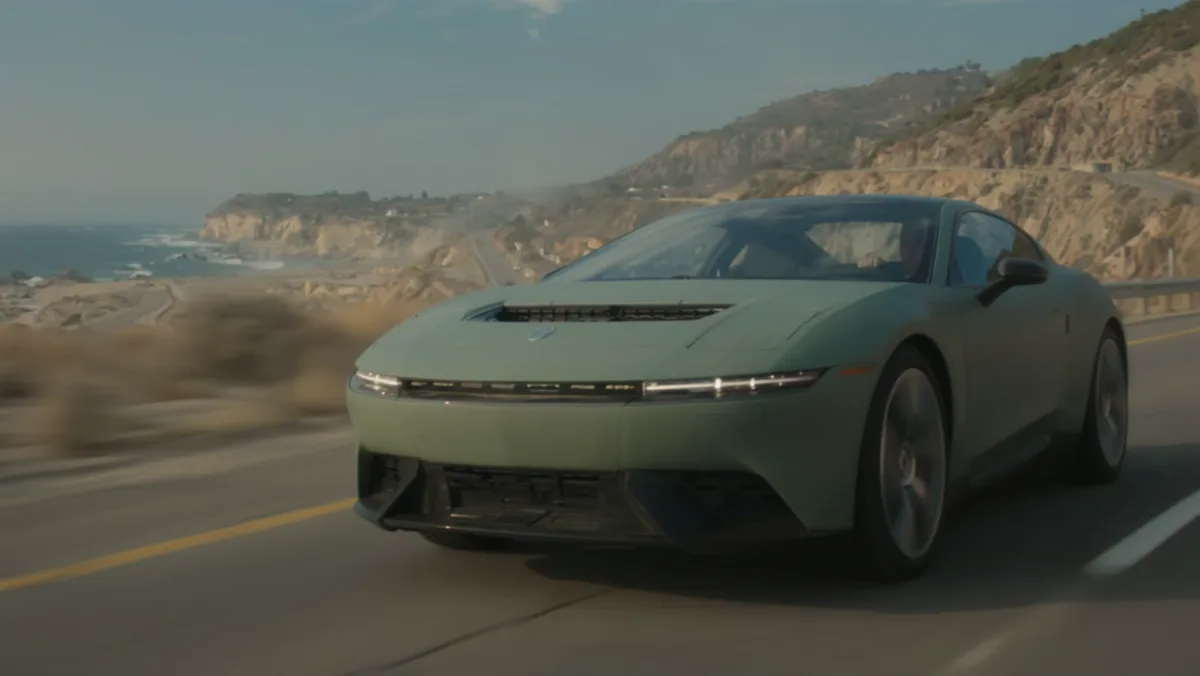
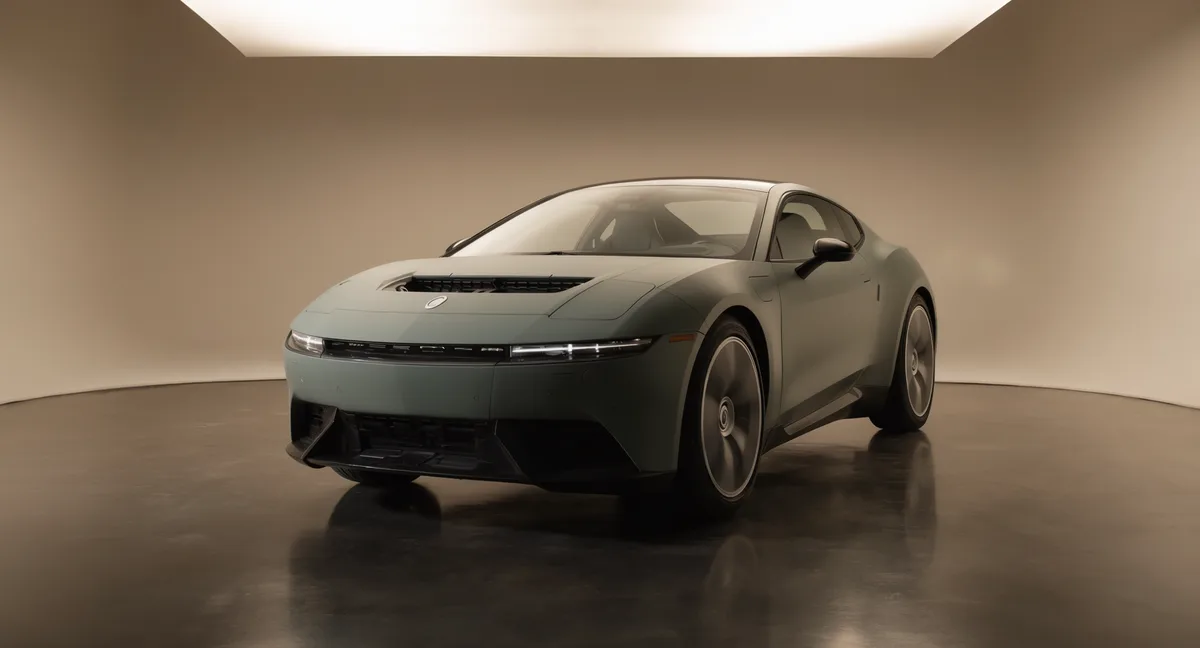
    "prompt": "Put the car in a photo studio with a warm-grey backdrop and soft overhead light. Keep the car the same",
    "model": "uni-1-edit",
    "options": {
      "imageUrls": [
        "https://shotstack.io/assets/generated/models/uni-1-edit-input.webp"
      ]
    }
  },
  "length": 5
}Pricing
Generation is paid in credits from the same balance as rendering, at what the model's provider charges plus a small margin. See AI generation pricing.
| Mode | Charged per | Price changes with | Length a quote assumes without one |
|---|---|---|---|
| Text to image | Image | Fixed price | — |
| Image to image | Image, plus each reference image | Fixed rate | — |
Get a quote
POST /generate/quote takes the same body as the generate endpoint and returns what that generation would cost. Nothing is generated, reserved or
charged.
curl -X POST \
     -H "Content-Type: application/json" \
     -H "x-api-key: $SHOTSTACK_API_KEY" \
     -d '{
       "asset": {
         "type": "image",
         "prompt": "A sage-green concept coupe parked on an empty coastal highway in bright morning sun",
         "model": "uni-1",
         "options": {
           "aspectRatio": "16:9"
         }
       },
       "length": 5
     }' \
     https://api.shotstack.io/edit/stage/generate/quote
The response gives credits, the price of that request, and ceiling, which is true when the request has no length for a
model charged by length, so the price is an estimate. Prices follow the providers, so ask again rather than storing one.
How it compares
Luma Uni-1 beside the other models in Shotstack that make the same thing.
| Model | Best for | Modes | Max resolution | Aspect ratios | Reference images | Seed | Charged per |
|---|---|---|---|---|---|---|---|
| Luma Uni-1 | 2K images in wide and tall shapes, and edits that keep the subject | Text to image, Image to image | 2K | 9 | Up to 9 | — | Image, fixed price |
| Nano Banana 2 | Fast iteration, accurate text, product and campaign visuals | Text to image, Image to image | 4K | 14 | Up to 14 | Yes | Image |
| Nano Banana Pro | Complex compositions and precise typography, over speed | Text to image | 4K | 10 | — | Yes | Image |
| GPT Image 2.5 Sunburst | Highly detailed images that follow complex prompts; slower | Text to image, Image to image | 4K | 10 | Up to 16 | — | Image |
| FLUX Schnell | Quick, low-cost drafts and illustrations | Text to image | — | — | — | — | Image, fixed price |