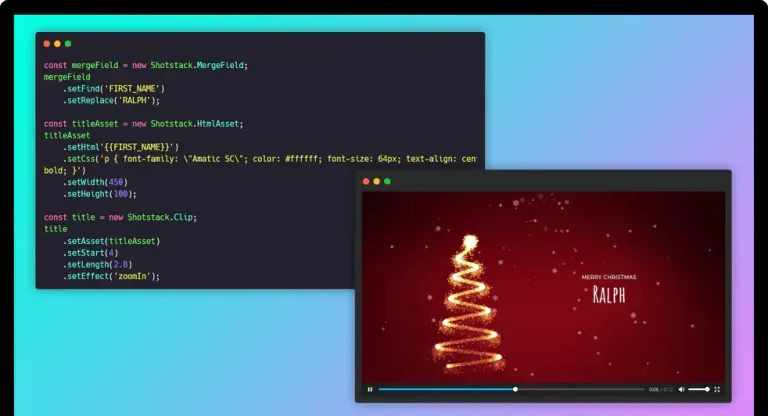
Template > form > API
Form to Video
Turn a form submission into a finished video. Design the template once, connect any form, and Shotstack renders a new MP4 every time someone clicks the Submit button.
Start for Free
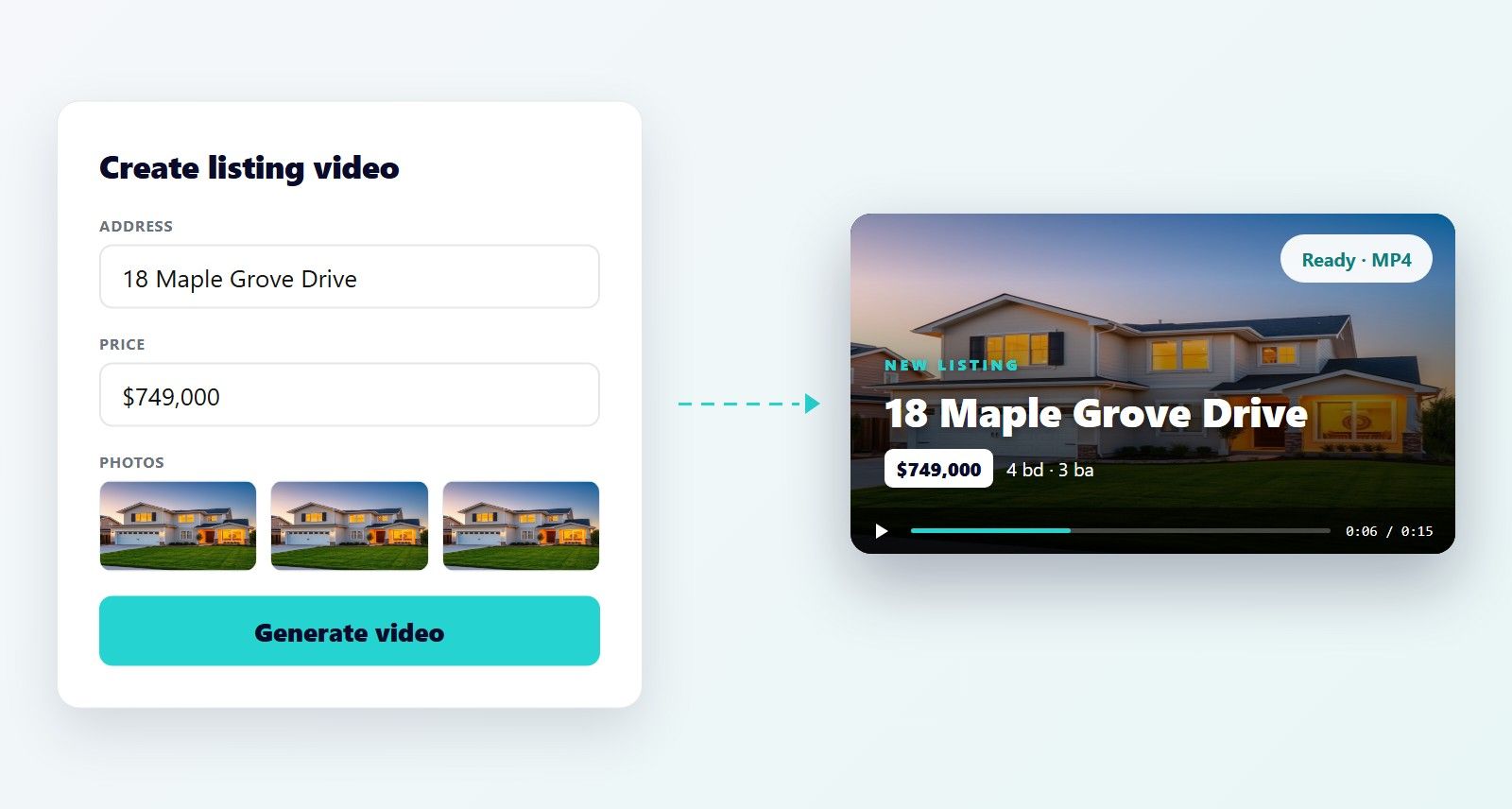
Turn a form submission into a finished video. Design the template once, connect any form, and Shotstack renders a new MP4 every time someone clicks the Submit button.
Start for FreeOver 20,000 Businesses & Developers from 119 Countries Trust Shotstack






A real estate agent wants a listing video. A sales rep wants a personalized intro. An events team wants 500 invitations by Friday. None of them want a timeline or a full editor.
Form to video gives them fields and a Generate button. The layout is fixed and every video comes out on brand. You make the template. Users control the words, images, and clips that go into it.
As millions of users interact with these types campaigns we were going to have to render thousands videos every minute. It quickly became apparent that this type of volume was no issue for Shotstack at all.
Three parts, and you already have most of them.
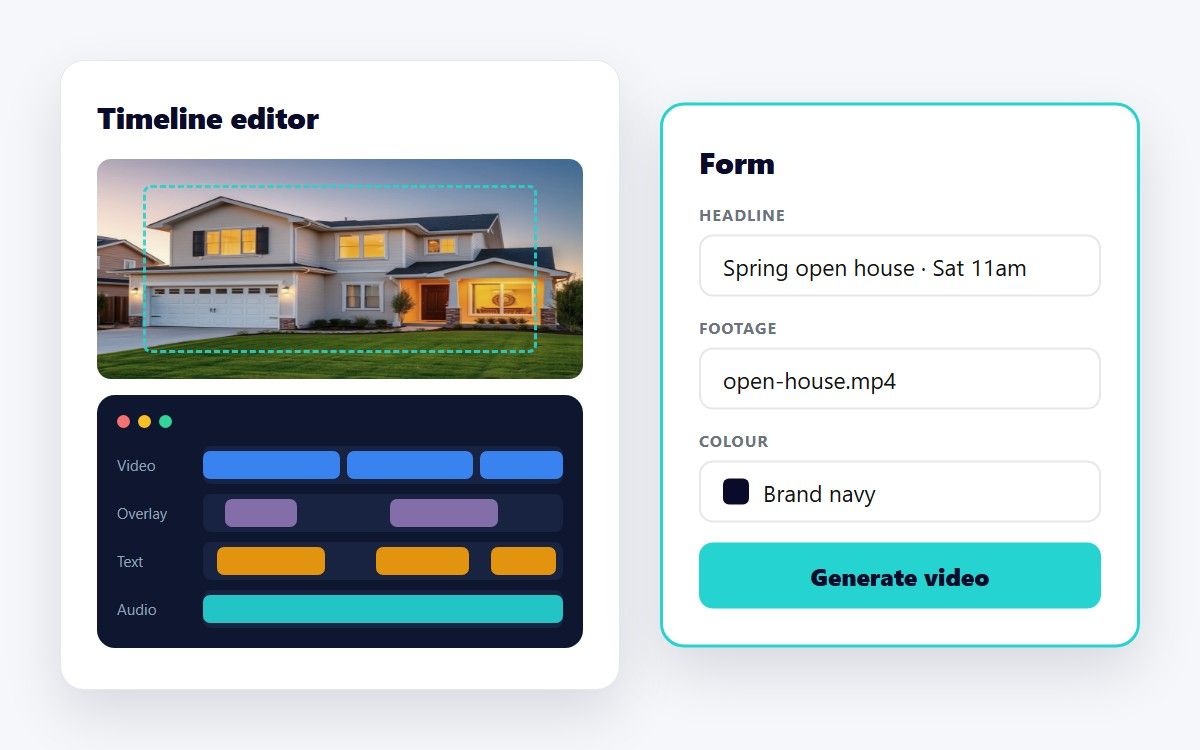
{{ HEADLINE }} and {{ FOOTAGE }}.Form to video does not need a new interface. It needs a place where a person types in the details.
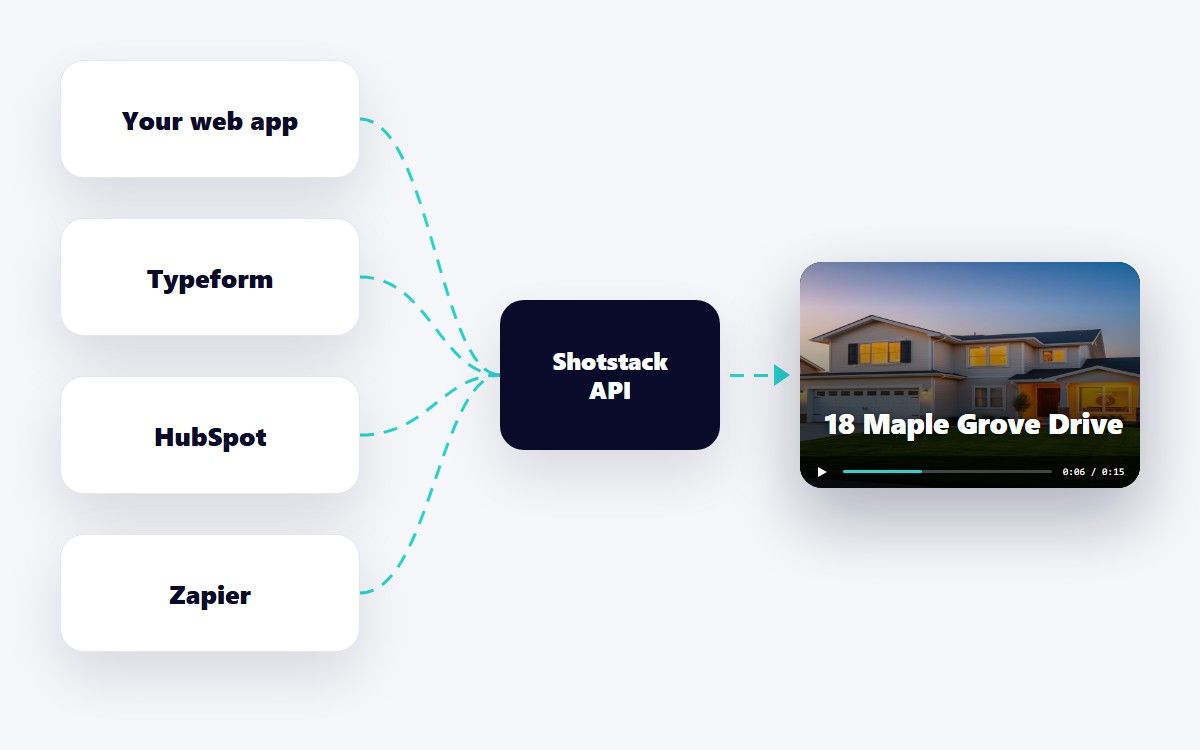
However the values are connected, the Shotstack call is the same: a template ID and a list of merge fields.
Renders cost credits and take time. Catch problems while the person is still looking at the form.
The template stays under your control, so a form can never break the brand.
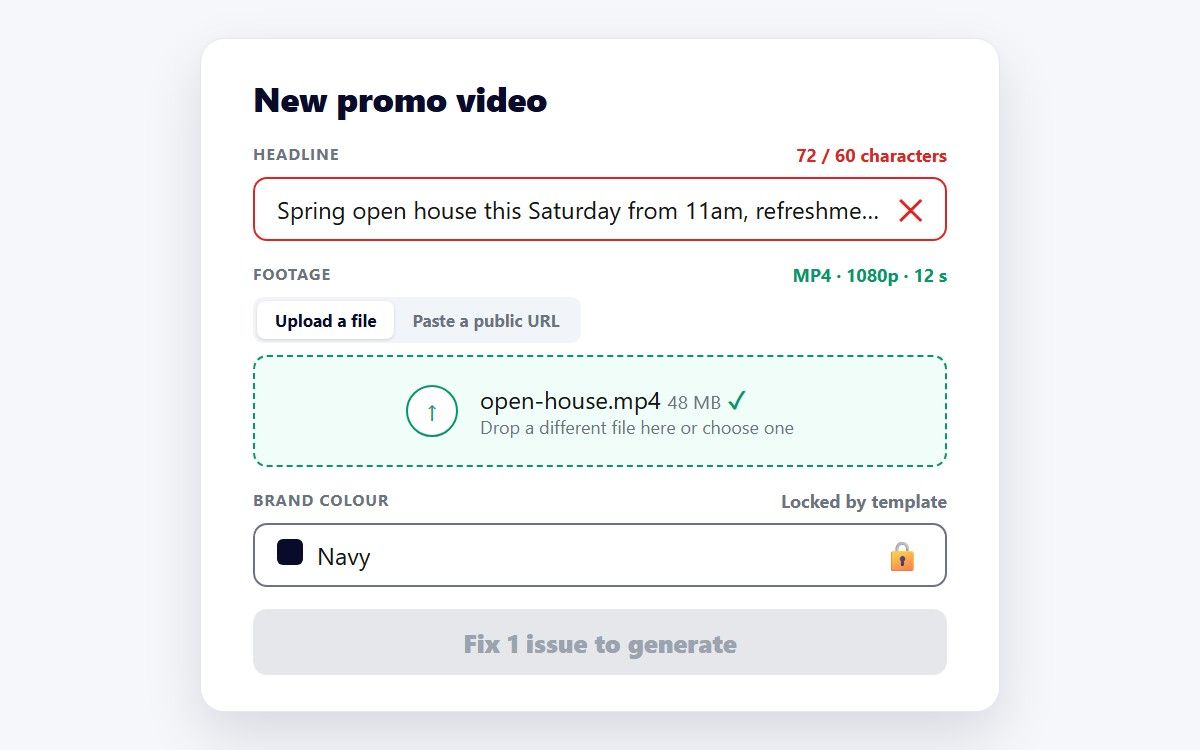
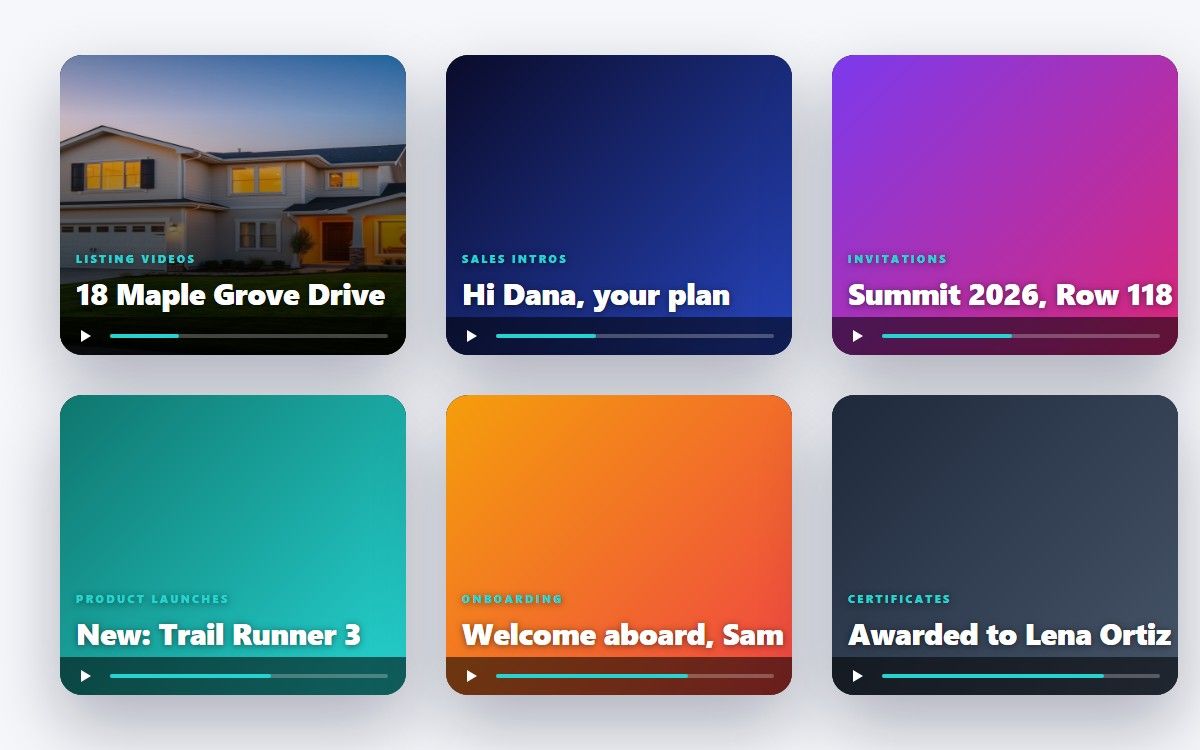
Any video where the layout stays the same and the details change is a form to video job.
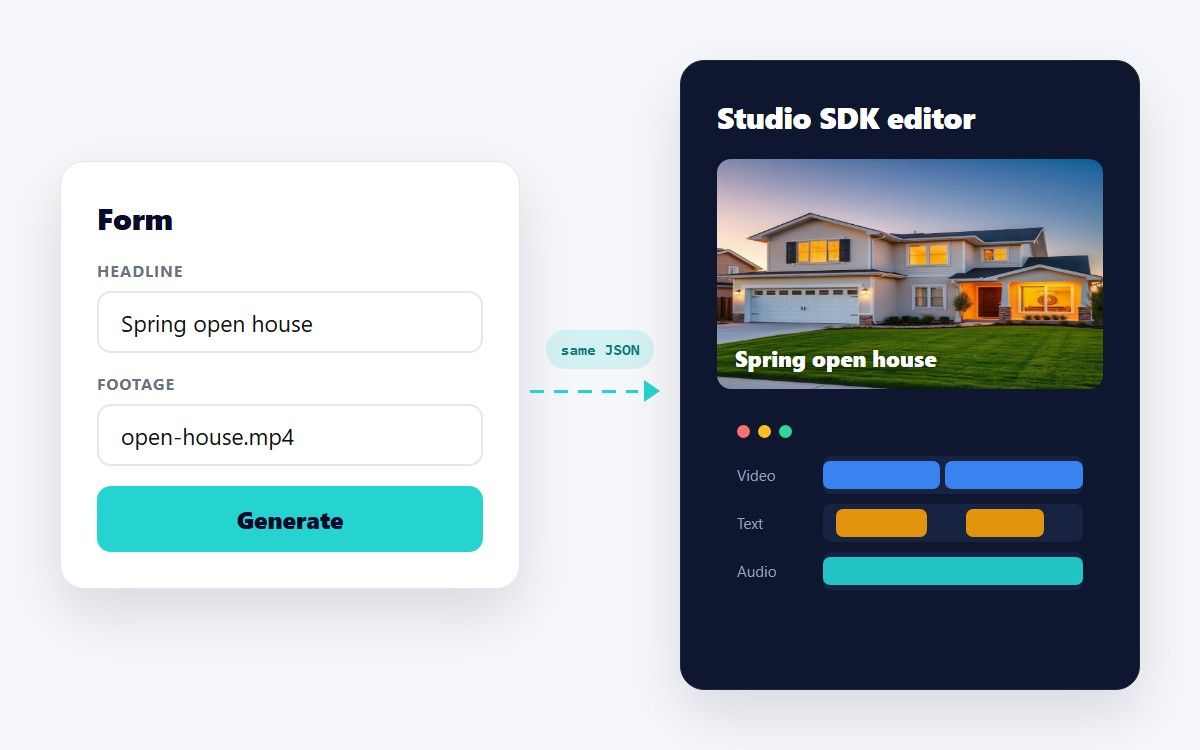
A form and a full editor produce the same Edit JSON and render through the same API. Start with a form for the people who only need to fill in details. When users ask for more control, mount the Studio SDK, a white-label video editor, and open the same template in it.
Your rendering pipeline does not change. Only the amount of editing surface you expose does.

This application is the perfect example of a well executed and documented API. In less than 10 mins, set up, web hook done, and first render!
There are a couple of other options out there that attempt to provide the same or similar solution, but none of them come close in terms of quality, ease of use, and speed.
Shotstack was EXACTLY what I was looking for, and incredibly easy to get started with. You guys are killing it.
A way to create videos from a form instead of an editor. You design one template with merge fields. A form collects the values. Each submission renders a new video with those values in place. The person filling in the form never sees a timeline.
You can, or you can use a form tool you already have. Any form that can call a webhook or post to your server works. The Shotstack part is always the same: a template ID plus a list of merge values sent to the render endpoint. If you use n8n, our guide to the official Shotstack n8n node builds this exact flow.
Design it in Shotstack Studio, our browser-based template editor, or write the Edit JSON by hand. Wrap anything that changes in double braces, for example {{ AGENT_NAME }}. Save it as a template and render it with the templates endpoint. See the merge fields and templates guides.
Yes. Upload the file to your own storage or to Shotstack with the Ingest API, then pass its public URL as a merge value. The template places it in the right slot, and Shotstack handles resizing, trimming, and encoding.
Most renders finish in well under a minute. Rendering is asynchronous: submit the job, then receive a webhook or poll the status endpoint when the video is ready.
Pricing is based on the length of video you render. The developer sandbox is free and unlimited for building and testing, with a watermark on the output. See the pricing page for current plans.
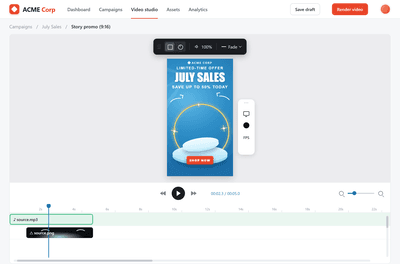
Embed an editor, go headless, or ship a form. The same promo video built three ways, with working code.

Turn every row of a spreadsheet into a rendered video with one template and a short script.

Unlimited developer sandbox
No credit card required